Analytics
Analytics reporting without the GA4 learning curve
Traffic, engagement and conversions from GA4 composed into a readable report — your clients get the story, you keep the analysis.
From £9.99/month · Agency £49/month
What you can report on
- Sessions & users
- Traffic volume and reach for the period — the baseline every analytics report opens with.
- Engagement
- Engaged sessions and time — whether traffic is arriving interested or bouncing off.
- Conversions
- The property's configured key events — entirely dependent on the client's GA4 event setup, stated plainly.
GA4 data, minus GA4
Most clients will never learn GA4's interface and shouldn't have to. Analytics reporting extracts the few metrics that matter — traffic, engagement, conversions, top pages — into a report formatted for reading, with your interpretation where the numbers need it.
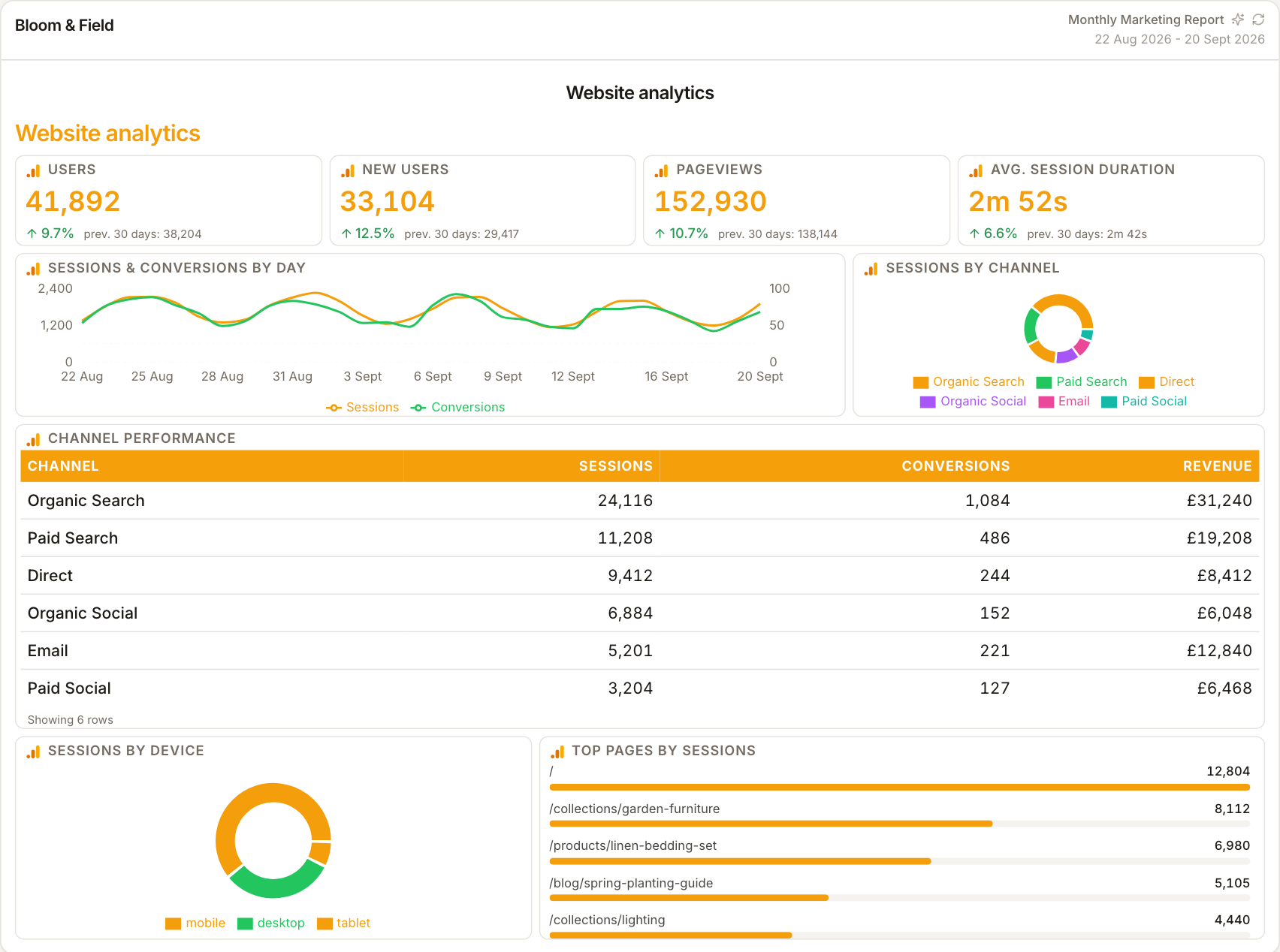
Conversions are a setup question
A GA4 report can only show conversions the property tracks. If events aren't marked as conversions, the report shows that clearly — which is itself valuable reporting, since it surfaces measurement gaps before they become attribution disputes.
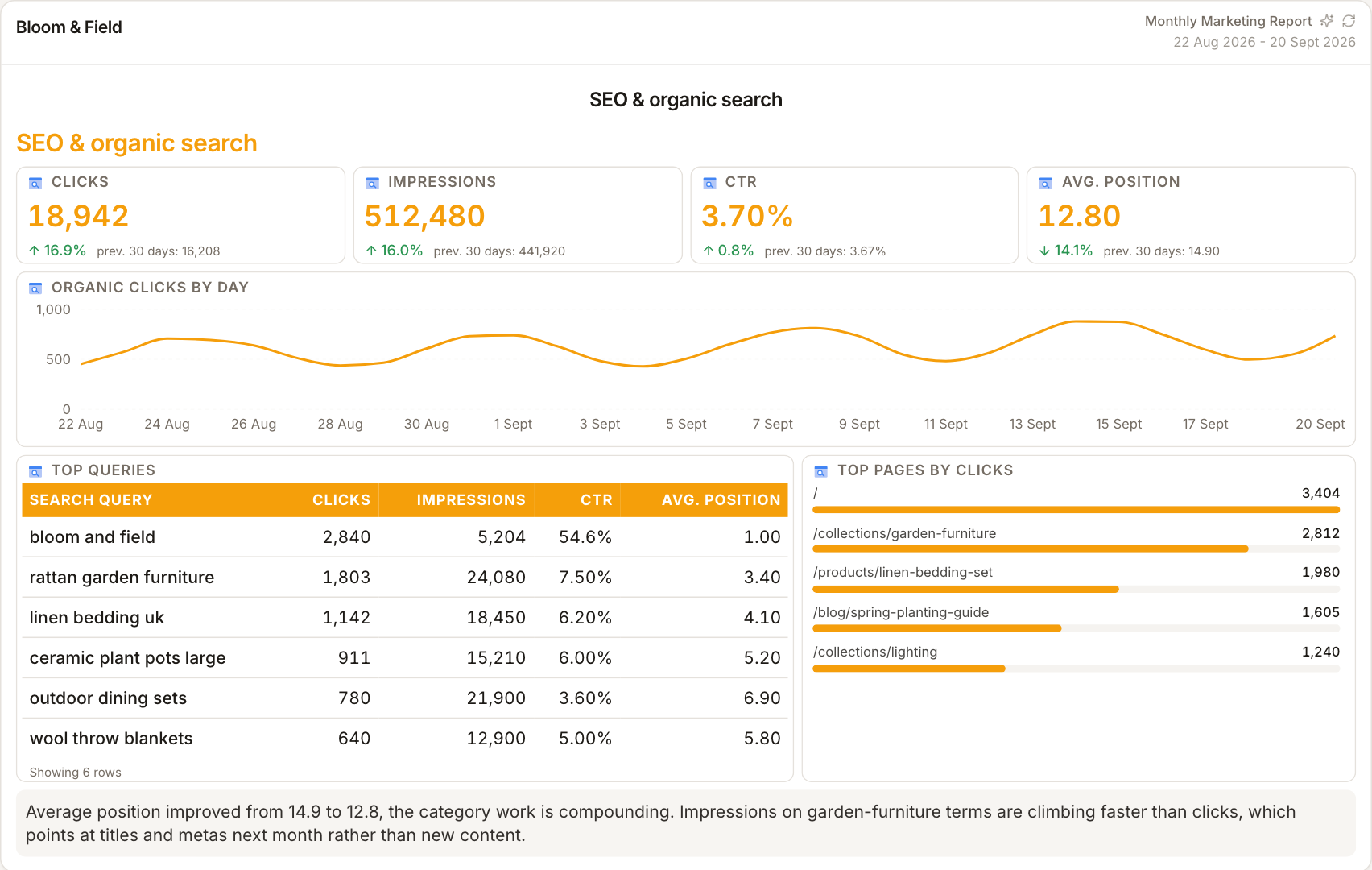
Landing pages tell the real story
Channel splits say how people arrived; landing pages say what they came for. Pairing the two in a report shows which content earns its traffic — the insight that turns analytics reporting from a traffic log into a content strategy input.
How it works
01
Connect the GA4 property
Google OAuth, then select the client's property.
02
Choose the behaviour metrics
Sessions, engagement, conversions and landing pages — the client's actual story.
03
Flag measurement gaps
If conversions are thin, report it — better surfaced by you than discovered by them.
Simple, capped pricing
£9.99/month starter
First client included, then £3.99/month per extra client, capped at ten slots (£45.90/month).
£49/month agency
Flat monthly price with unlimited clients.
Frequently asked questions
Why are conversions missing or low?
ReportingBee shows GA4's configured key events — if the property's events aren't set up or marked as conversions, the figures will be thin. That's a tracking task, not a reporting bug.
Can I report on specific pages?
Landing page widgets surface the pages earning traffic — pair them with channel data for the full picture.
How much does ReportingBee cost?
Starter is £9.99/month for your first client and £3.99/month for each extra client, capped at ten client slots (£45.90/month). The Agency plan is £49/month flat with unlimited clients.
Keep exploring
Google Analytics Reporting
GA4's channel and landing-page data recomposed into a clear monthly report — the analytics story without the GA4 interface.
Marketing Reporting Software
Search, ads, social and email in one report — each channel's figures labelled by source, with commentary that explains the mix instead of summing it.
KPI Reporting
Every KPI needs four decisions — metric, unit, comparison, target — before it means anything. Reports that make all four explicit are reports clients trust.
Browse all reporting guides
Reporting
- Client Reporting Software
- Agency Reporting Software
- Marketing Reporting Software
- Digital Marketing Reporting
- SEO Reporting Software
- SEO Reporting for Agencies
- PPC Reporting Software
- White Label Reporting Software
- Automated Reporting
- Automated Client Reporting
- Ecommerce Reporting
- Analytics Reporting
- KPI Reporting
- Social Media Reporting
- Social Media Reporting Software
- Ahrefs Reporting
- Google Analytics Reporting
- Google Search Console Reporting
- Google Ads Reporting
- Facebook Ads Reporting
- Instagram Reporting
- LinkedIn Reporting
- Mailchimp Reporting
- Facebook Ads Reporting Tool
- Google Ads Reporting Tool
- SEO Client Reporting
- Marketing Agency Reporting
- Digital Agency Reporting
Dashboards
Your first branded report is minutes away
Add a client, connect their data and share a live report today.