PPC reporting
A Facebook Ads reporting tool for review meetings
Pick the campaign tables and charts that fit the creative-and-budget conversation — a reporting tool for Meta accounts, clear about what attribution can claim.
From £9.99/month · Agency £49/month
What you can report on
- Campaign tables
- Spend, results and cost per result per campaign — the budget-review grid.
- Trend charts
- Performance across the period — the visual for 'are we improving or decaying?'
- Result types
- Leads, purchases, clicks as configured per campaign — the outcomes each campaign optimises for.
Built for the review, not the analyst
Ads Manager is for running campaigns; a reporting tool is for reviewing them with the person paying. Select the widgets that match the meeting — creative performance tables, spend trends, result breakdowns — arranged for discussion rather than operation.
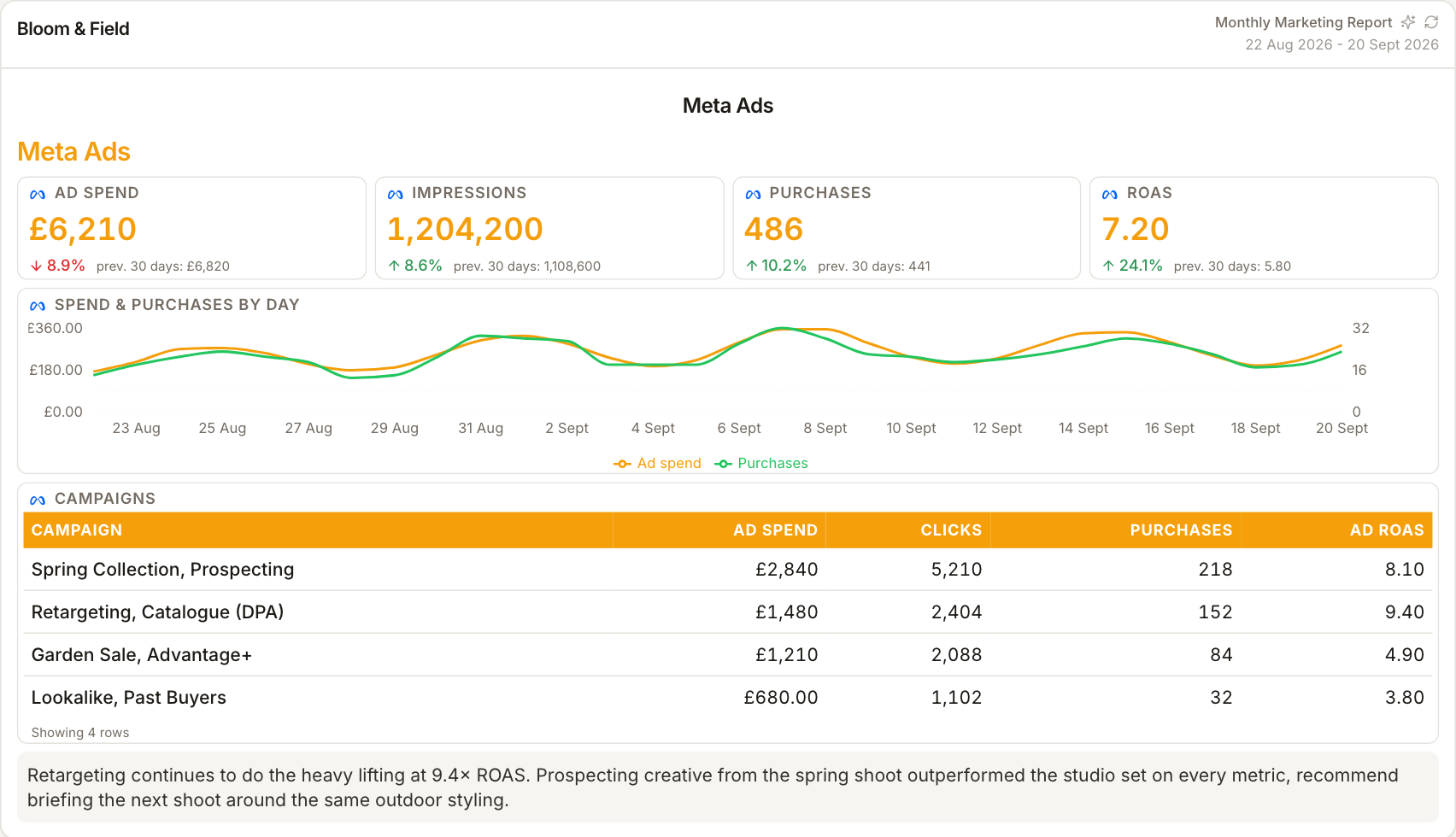
Creative and budget in the same view
The recurring Facebook ads conversation is 'which creatives earn their budget?' Campaign-level widgets with results beside spend make that comparison direct — where ads reporting earns its place in the retainer.
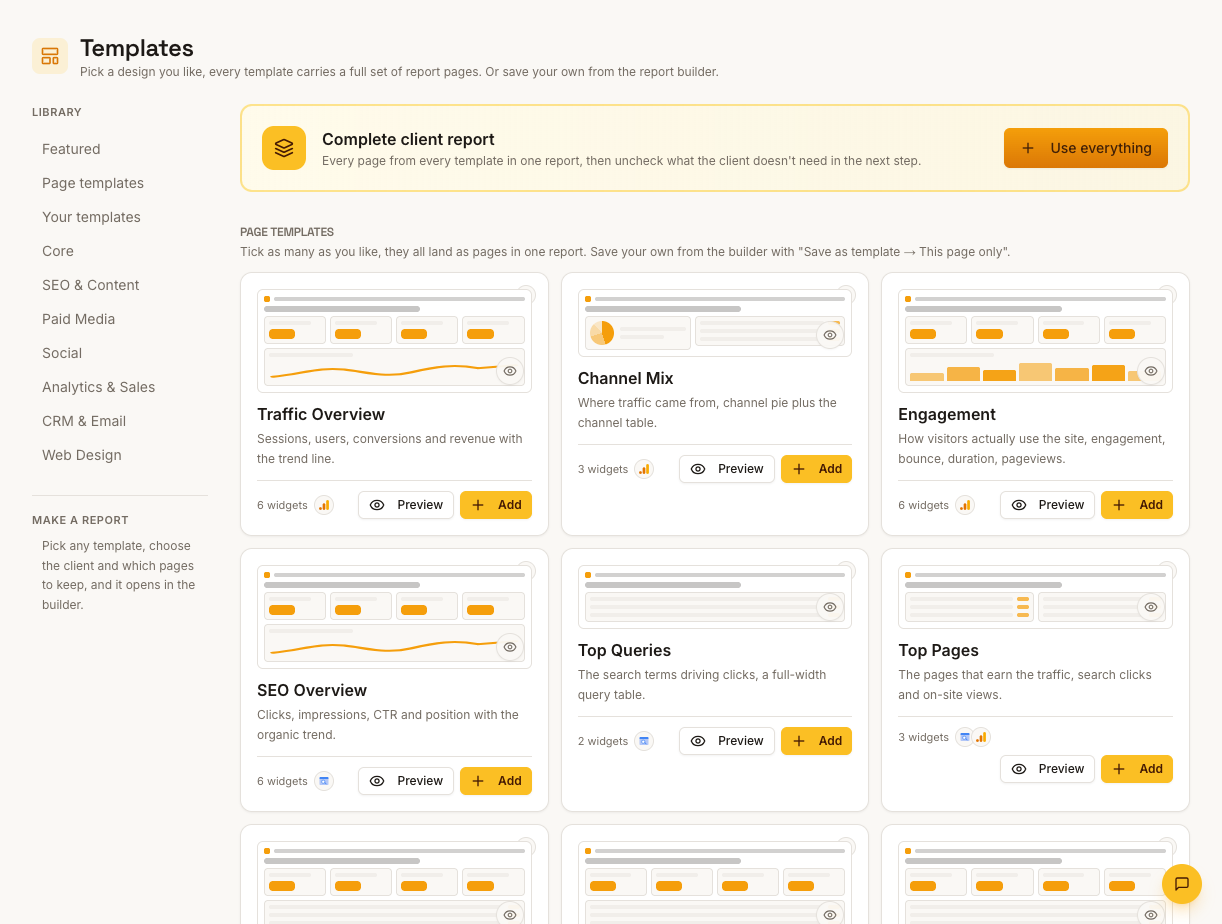
Attribution limits on the page
Meta's conversion claims come with its attribution model attached — worth a literal line in the report. A tool that labels 'as reported by Meta' keeps the client relationship clear through the inevitable discrepancy conversations.
How it works
01
Connect the ad account
Meta OAuth, select the client's account.
02
Choose review widgets
Tables for budget review, charts for trend, result breakdowns for creative.
03
Label the source
Meta-reported figures carry Meta's name — attribution caveats in the copy.
Simple, capped pricing
£9.99/month starter
First client included, then £3.99/month per extra client, capped at ten slots (£45.90/month).
£49/month agency
Flat monthly price with unlimited clients.
Frequently asked questions
Can I compare creatives directly?
Campaign and result widgets surface per-campaign performance for the creative conversation — the report frames it, the discussion happens in the meeting.
Does it adjust Meta's attribution?
No — figures are Meta-reported, labelled as such. Cross-checking against store or GA4 numbers is a presentation choice, not a recalculation.
How much does ReportingBee cost?
Starter is £9.99/month for your first client and £3.99/month for each extra client, capped at ten client slots (£45.90/month). The Agency plan is £49/month flat with unlimited clients.
Keep exploring
Facebook Ads Reporting
Meta campaign spend, leads and purchases pulled live into the report — under a paid heading, never blended into organic social wins.
Meta Ads Integration (Facebook & Instagram)
Sign in with Meta, pick each client's ad account, and report paid campaign spend and results for Facebook and Instagram placements in one branded report.
PPC Reporting Software
Google Ads and Meta spend, conversions, cost per acquisition and return on ad spend — presented so clients see what the budget bought.
Browse all reporting guides
Reporting
- Client Reporting Software
- Agency Reporting Software
- Marketing Reporting Software
- Digital Marketing Reporting
- SEO Reporting Software
- SEO Reporting for Agencies
- PPC Reporting Software
- White Label Reporting Software
- Automated Reporting
- Automated Client Reporting
- Ecommerce Reporting
- Analytics Reporting
- KPI Reporting
- Social Media Reporting
- Social Media Reporting Software
- Ahrefs Reporting
- Google Analytics Reporting
- Google Search Console Reporting
- Google Ads Reporting
- Facebook Ads Reporting
- Instagram Reporting
- LinkedIn Reporting
- Mailchimp Reporting
- Facebook Ads Reporting Tool
- Google Ads Reporting Tool
- SEO Client Reporting
- Marketing Agency Reporting
- Digital Agency Reporting
Dashboards
Your first branded report is minutes away
Add a client, connect their data and share a live report today.