Integration guide
Include Mailchimp results in branded reports
The Mailchimp OAuth connector exists; campaign metrics are entered manually in reports today — presented alongside every other channel in the client report.
From £9.99/month · Agency £49/month
What you can report on
- Audience size
- Record audience size and net subscriber change separately from campaign delivery metrics.
- Open & click rates
- Record Mailchimp's rates per campaign with their delivered-email counts — don't take a simple average across campaigns with different audience sizes.
- Unsubscribes
- List churn over the period — worth reporting so growth claims are netted against losses.
Connection available, coverage manual
Mailchimp is one of ReportingBee's OAuth connector groups, so you'll see a real sign-in flow. But connection availability is not reporting coverage: no live Mailchimp widgets feed reports or dashboards yet.
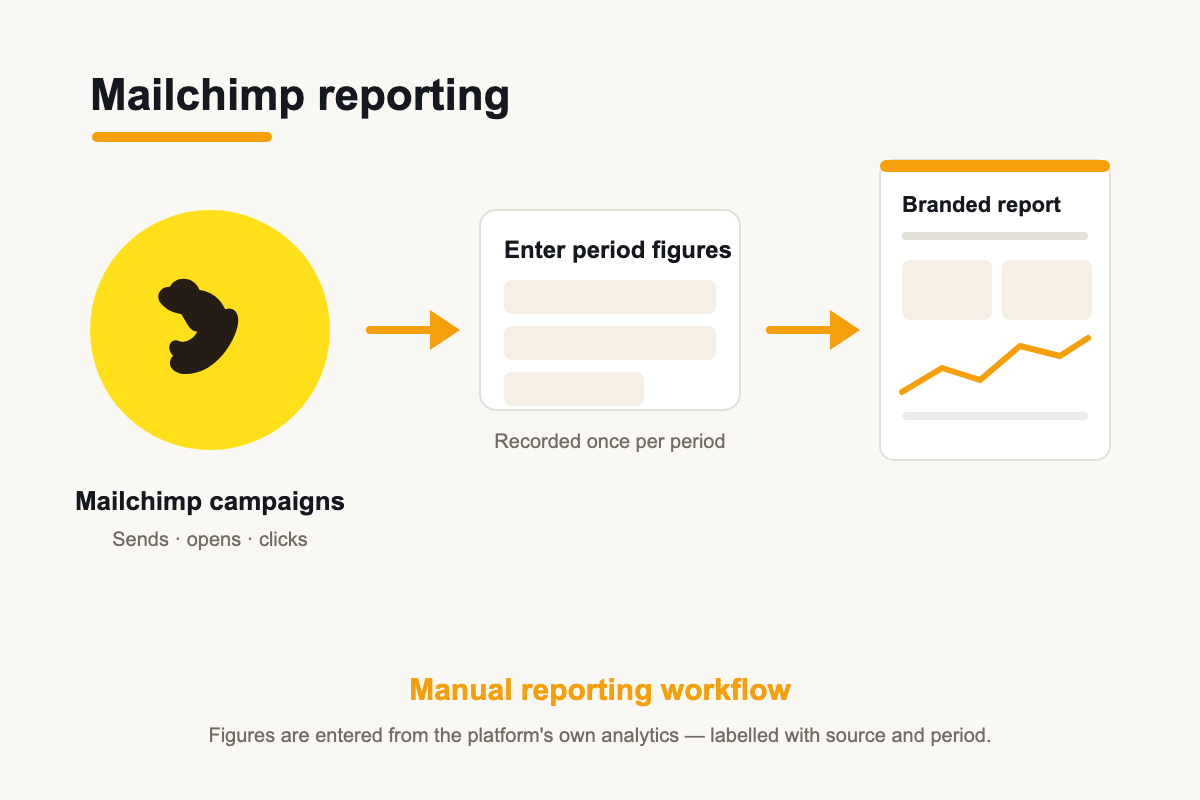
The monthly workflow that works today
Pull campaign stats from Mailchimp's reporting screen — sends, opens, clicks, unsubscribes — and enter them into the report's manual metric widgets. For retainer clients the template already has the widgets in place, so the task is a two-minute copy of numbers, not a rebuild.
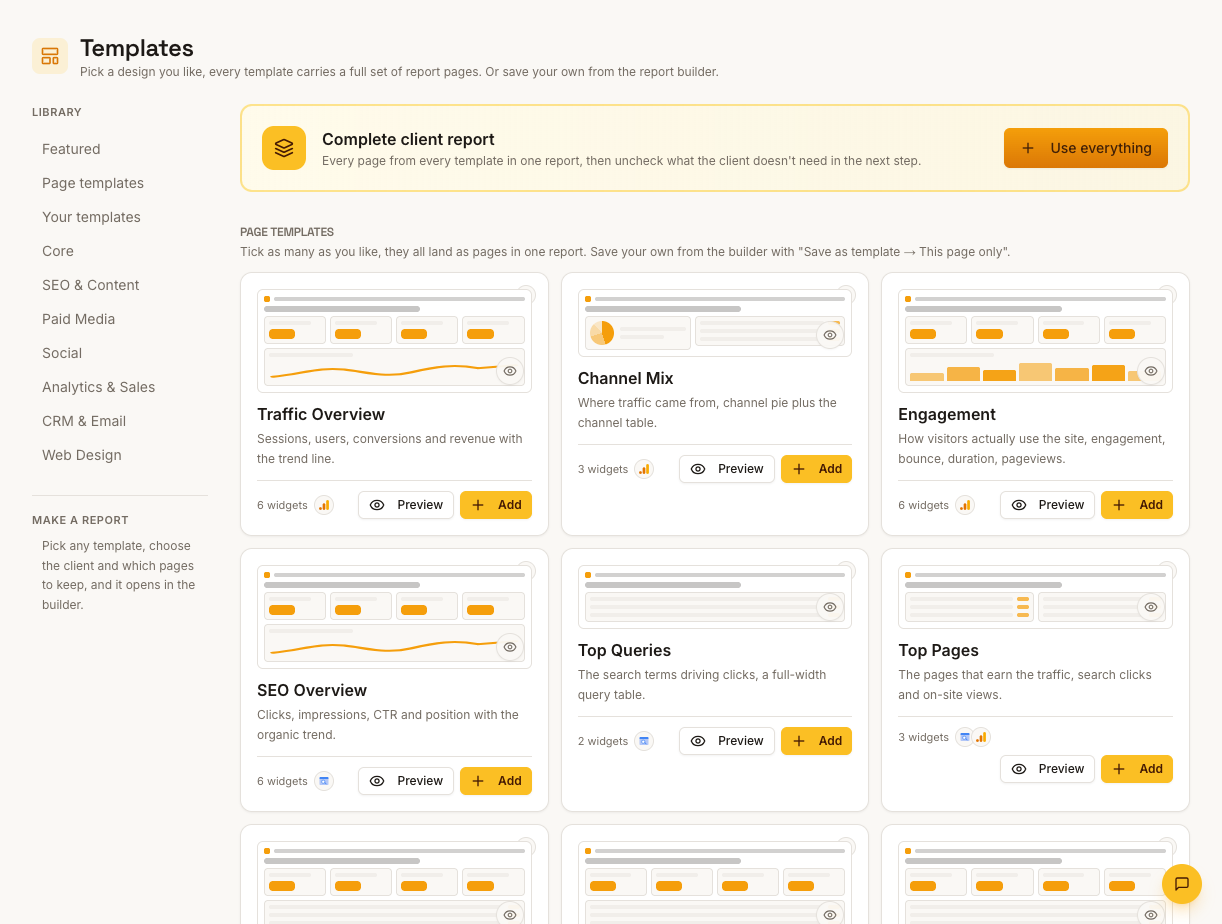
Email metrics alongside everything else
Even entered manually, email numbers are more useful inside the client report than in a separate tool: opens and clicks sit next to site sessions and conversions, letting you narrate how email contributed to the month's traffic and sales without claiming a single-source truth.
How it works
01
Export from Mailchimp
Open the client's Mailchimp reports and gather the campaign metrics for the period.
02
Enter into widgets
Fill the report's manual metric widgets with audience, engagement and unsubscribe figures.
03
Set the context
Add commentary comparing this month's sends to previous periods and planned campaigns.
Simple, capped pricing
£9.99/month starter
First client included, then £3.99/month per extra client, capped at ten slots (£45.90/month).
£49/month agency
Flat monthly price with unlimited clients.
Frequently asked questions
If OAuth exists, why isn't data pulled automatically?
The connector group exists but live Mailchimp widgets aren't built yet. Manual-entry widgets are the current workflow.
Which email platforms pull live today?
Klaviyo connects with an API key and reports live campaign engagement. Mailchimp metrics are manual at present.
How much does ReportingBee cost?
Starter is £9.99/month for your first client and £3.99/month for each extra client, capped at ten client slots (£45.90/month). The Agency plan is £49/month flat with unlimited clients.
Keep exploring
Mailchimp Reporting
The Mailchimp OAuth connector exists; campaign metrics are entered manually in reports today — presented alongside every other channel.
Marketing Reporting Software
Search, ads, social and email in one report — each channel's figures labelled by source, with commentary that explains the mix instead of summing it.
LinkedIn Integration
A LinkedIn OAuth connection is offered; report metrics are entered manually today — here is the workflow.
Browse all reporting guides
Reporting
- Client Reporting Software
- Agency Reporting Software
- Marketing Reporting Software
- Digital Marketing Reporting
- SEO Reporting Software
- SEO Reporting for Agencies
- PPC Reporting Software
- White Label Reporting Software
- Automated Reporting
- Automated Client Reporting
- Ecommerce Reporting
- Analytics Reporting
- KPI Reporting
- Social Media Reporting
- Social Media Reporting Software
- Ahrefs Reporting
- Google Analytics Reporting
- Google Search Console Reporting
- Google Ads Reporting
- Facebook Ads Reporting
- Instagram Reporting
- LinkedIn Reporting
- Mailchimp Reporting
- Facebook Ads Reporting Tool
- Google Ads Reporting Tool
- SEO Client Reporting
- Marketing Agency Reporting
- Digital Agency Reporting
Dashboards
Your first branded report is minutes away
Add a client, connect their data and share a live report today.