Integration guide
Google Ads reporting that explains the spend
Link the Google account that manages the client's ads, choose the right ad account, and build spend-and-conversion reports without screenshots or spreadsheets.
From £9.99/month · Agency £49/month
What you can report on
- Cost
- Total spend for the period, broken down to campaigns where needed — the number every client asks about first.
- Clicks & CPC
- Traffic bought and what each click cost, the efficiency lens on search and display campaigns.
- Conversions & value
- The conversion actions and conversion value the account records — what the spend produced, dependent on the account's own conversion setup.
Connect once per client account
Google Ads connects via the same Google OAuth as the rest of the Google stack. ReportingBee lists the ad accounts your login can access, and you select the correct advertising customer for each client. Your Google account needs permission on the account being reported — a manager (MCC) account is not itself the reporting account.
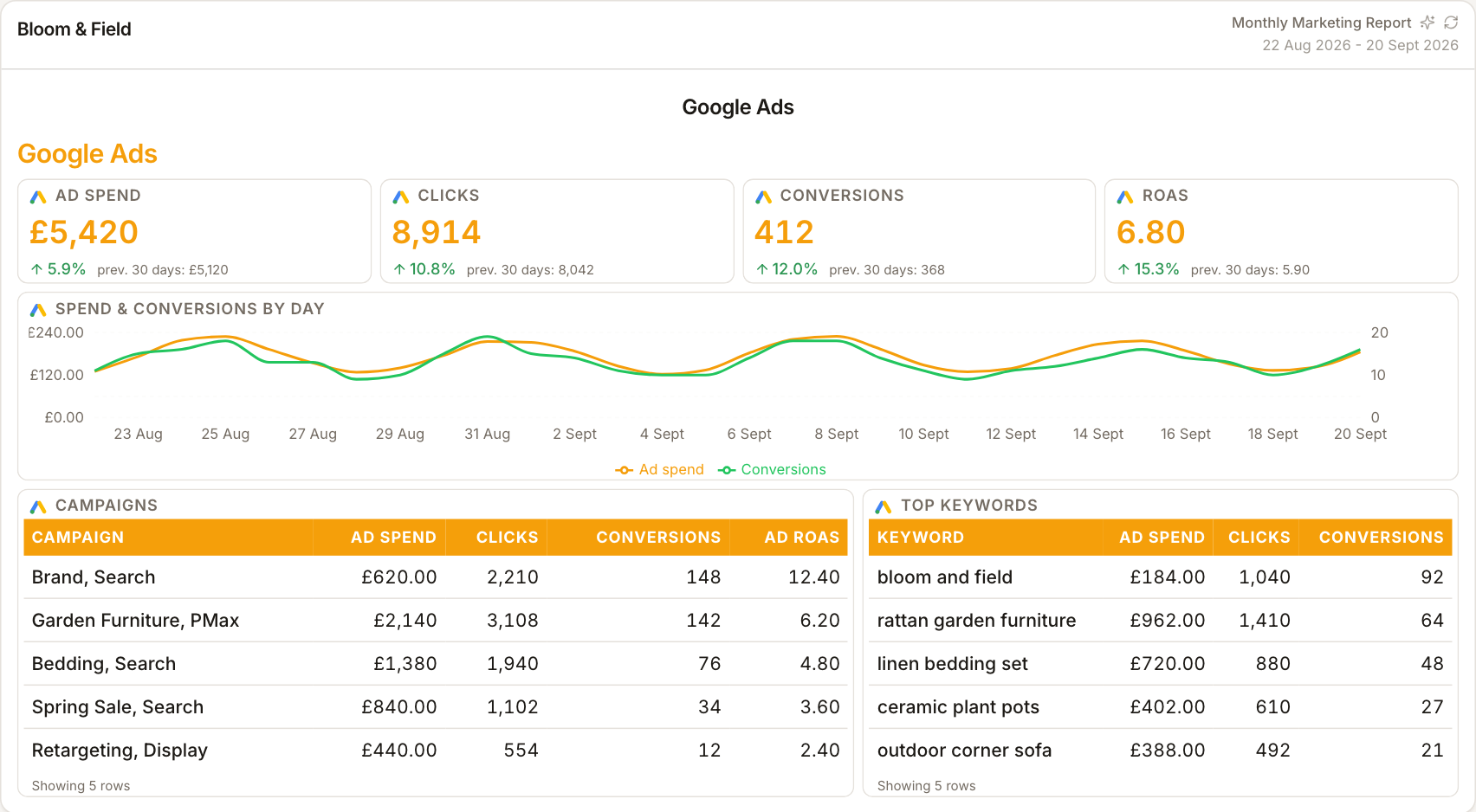
From spend to story
A monthly cost figure alone invites a 'why are we paying this?' conversation. ReportingBee widgets let you pair cost with clicks, conversions and value so the report shows spend as an input and conversions as the output — with your commentary covering what you'll change next month.
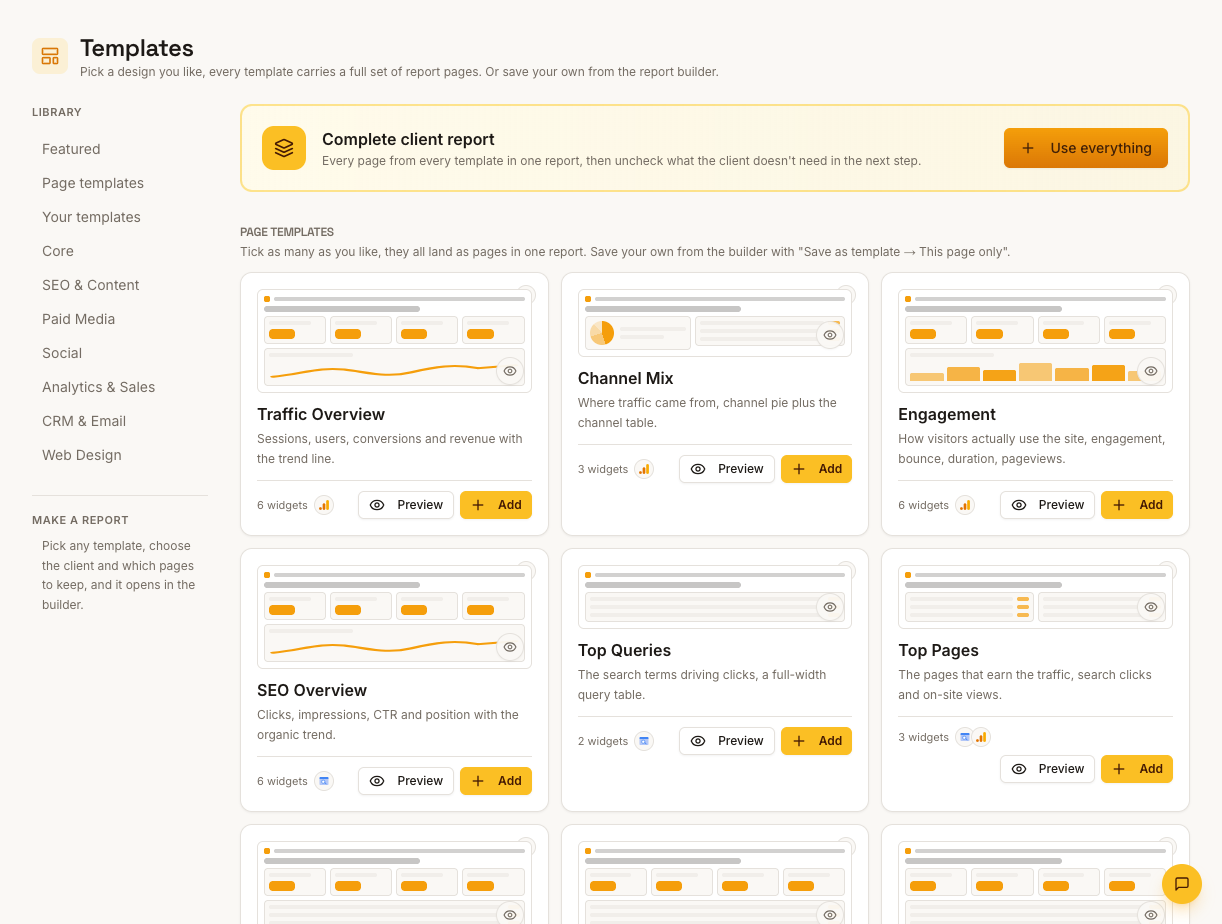
Attribution, labelled by source
Conversion numbers come from the Google Ads account's own tracking and attribution settings, which don't always match GA4 or Shopify. The report can hold both numbers side by side, but neither should be silently treated as the single truth — the copy on this page's reports should say which source each figure comes from.
How it works
01
Sign in with Google
Run Google OAuth from the client's Integrations tab with the account that can access their Google Ads.
02
Select the ad account
Choose the correct advertising customer for this client — a manager account won't produce the client's campaign reports.
03
Compose the PPC section
Add cost, click and conversion widgets plus campaign tables, then write the month-in-review commentary.
Simple, capped pricing
£9.99/month starter
First client included, then £3.99/month per extra client, capped at ten slots (£45.90/month).
£49/month agency
Flat monthly price with unlimited clients.
Frequently asked questions
Can I report at ad group or keyword level?
Widgets cover campaign, ad group and keyword-level reporting where the account exposes that data, subject to campaign type and the permissions of the selected customer account.
Why don't conversions match GA4?
They measure differently: Google Ads counts its own tracked conversion actions on its own attribution model, GA4 counts its key events. Present both labelled by source rather than averaging them.
How much does ReportingBee cost?
Starter is £9.99/month for your first client and £3.99/month for each extra client, capped at ten client slots (£45.90/month). The Agency plan is £49/month flat with unlimited clients.
Keep exploring
Google Ads Reporting
Campaign cost, clicks, conversions and conversion value — the month's Google Ads performance composed into a report clients read top to bottom.
PPC Reporting Software
Google Ads and Meta spend, conversions, cost per acquisition and return on ad spend — presented so clients see what the budget bought.
Google Ads Reporting Tool
Compose Google Ads reports at the depth the client needs — account summary charts for the MD, ad group and keyword tables for the in-house marketer.
Browse all reporting guides
Reporting
- Client Reporting Software
- Agency Reporting Software
- Marketing Reporting Software
- Digital Marketing Reporting
- SEO Reporting Software
- SEO Reporting for Agencies
- PPC Reporting Software
- White Label Reporting Software
- Automated Reporting
- Automated Client Reporting
- Ecommerce Reporting
- Analytics Reporting
- KPI Reporting
- Social Media Reporting
- Social Media Reporting Software
- Ahrefs Reporting
- Google Analytics Reporting
- Google Search Console Reporting
- Google Ads Reporting
- Facebook Ads Reporting
- Instagram Reporting
- LinkedIn Reporting
- Mailchimp Reporting
- Facebook Ads Reporting Tool
- Google Ads Reporting Tool
- SEO Client Reporting
- Marketing Agency Reporting
- Digital Agency Reporting
Dashboards
Your first branded report is minutes away
Add a client, connect their data and share a live report today.