Integration guide
Bring LinkedIn metrics into your client reports
A LinkedIn OAuth connection is offered; report metrics are entered manually today — here is the workflow.
From £9.99/month · Agency £49/month
What you can report on
- Followers
- Company page audience size — entered from LinkedIn page analytics to show growth over the period.
- Impressions
- How often page content appeared in feeds — the visibility baseline for organic LinkedIn reporting.
- Engagement
- Reactions, comments and shares across posts — the quality signal on whether the content strategy is landing.
What the OAuth connection does today
LinkedIn appears in ReportingBee's OAuth provider list. Live report widgets for LinkedIn are not available yet, so metrics are entered manually from the client's page analytics.
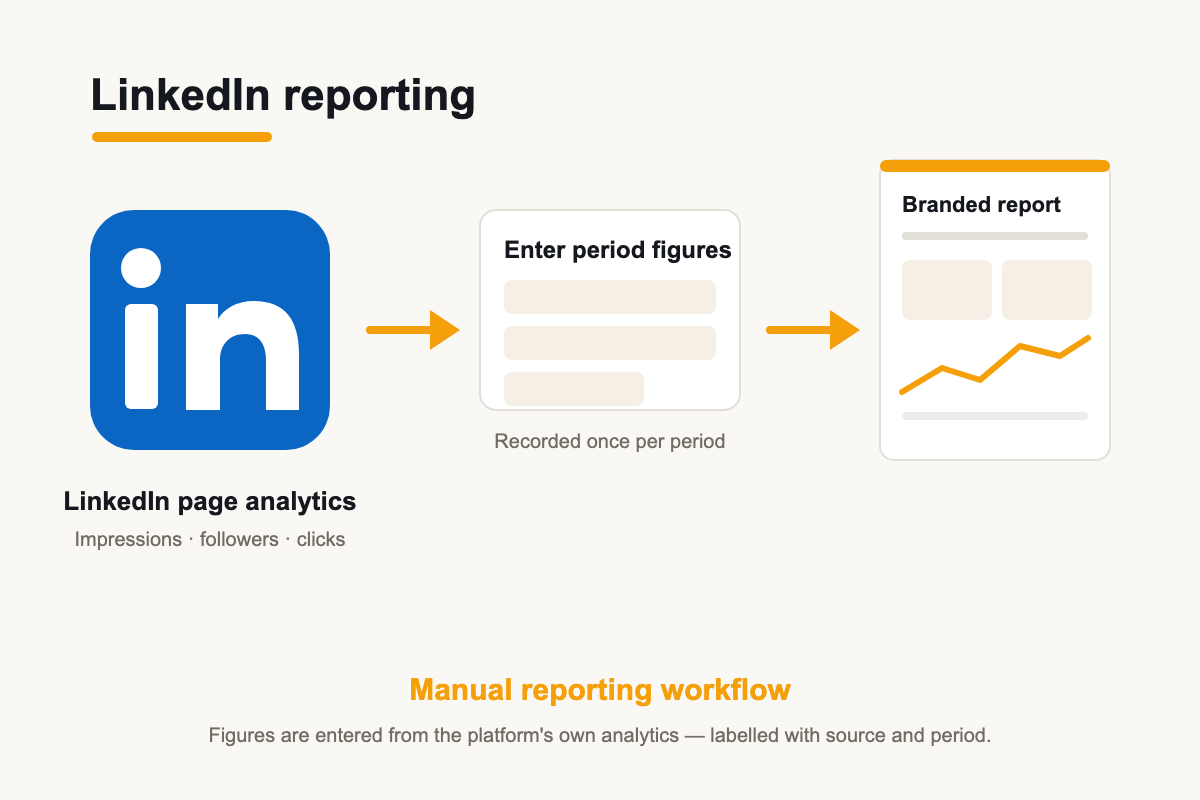
The supported reporting workflow
Today, LinkedIn metrics go into client reports via manual-entry widgets: read the figures from the client's LinkedIn page analytics and enter them into manual widgets — same styling as connected sources.
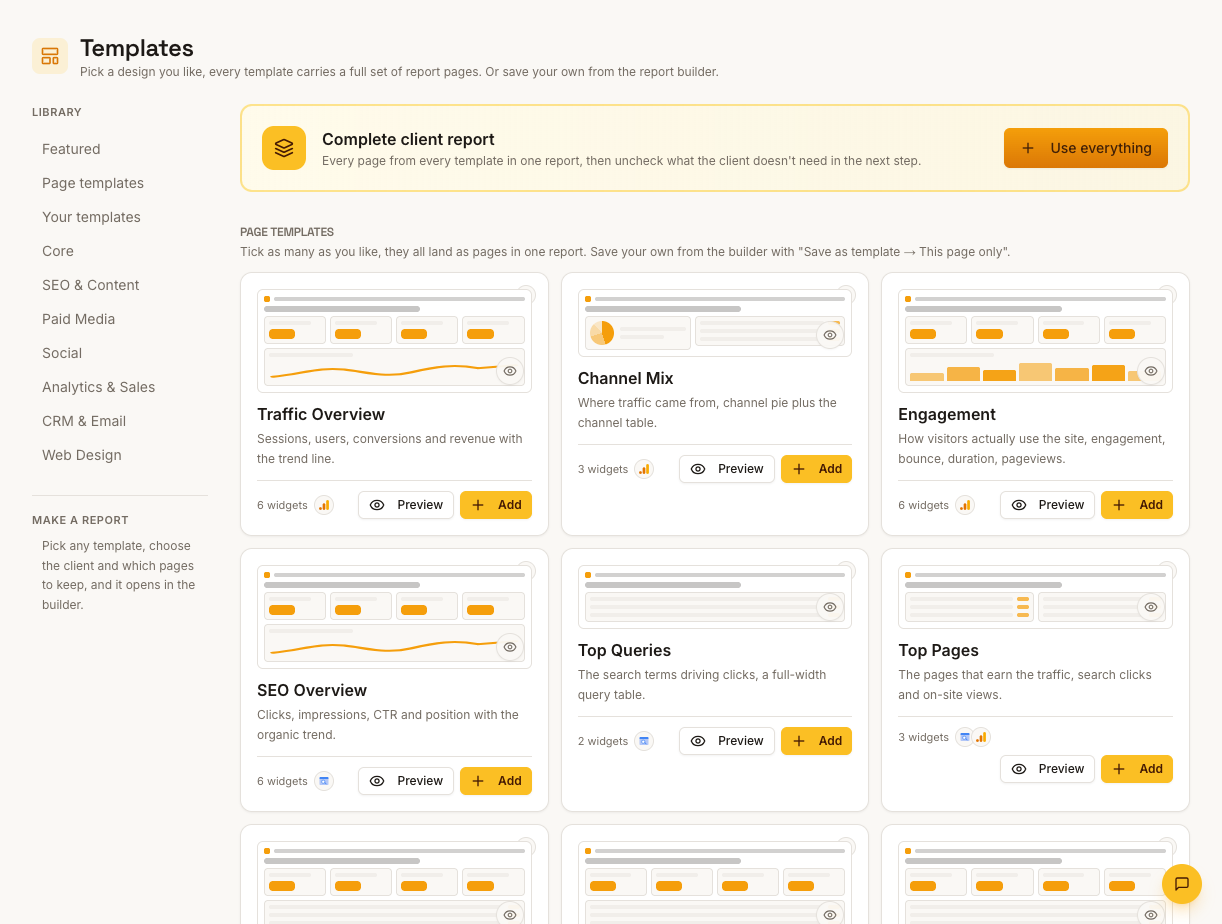
Record source and period
Note the source and reporting dates alongside manually entered figures. Compare equivalent periods so follower and engagement changes stay easy to interpret.
How it works
01
Gather the figures
Open the client's LinkedIn page analytics and note followers, impressions and engagement for the report period.
02
Enter into manual widgets
Add the numbers to the report's manual metric widgets — same layout and branding as everything else on the page.
03
Comment on the trend
Use the commentary block to explain what moved and what next month's LinkedIn activity will focus on.
Simple, capped pricing
£9.99/month starter
First client included, then £3.99/month per extra client, capped at ten slots (£45.90/month).
£49/month agency
Flat monthly price with unlimited clients.
Frequently asked questions
Why does LinkedIn show a Connect button if metrics are manual?
The OAuth connector exists ahead of report coverage — connecting doesn't feed reports yet. Manual entry is the current workflow; you can request additional integration coverage, and no release date is promised here.
Does this cover LinkedIn Ads?
LinkedIn Ads is a separate provider entry. This page covers organic LinkedIn page reporting, which is manual at present.
How much does ReportingBee cost?
Starter is £9.99/month for your first client and £3.99/month for each extra client, capped at ten client slots (£45.90/month). The Agency plan is £49/month flat with unlimited clients.
Keep exploring
LinkedIn Reporting
A LinkedIn OAuth connector exists; report metrics are entered manually today. Bring company-page KPIs into the branded report your clients already receive.
Social Media Reporting Software
Repeatable report layouts for every platform your clients use — ReportingBee reports on social performance; it doesn't publish or schedule posts.
Mailchimp Integration
The Mailchimp OAuth connector exists; campaign metrics are entered manually in reports today — presented alongside every other channel in the client report.
Browse all reporting guides
Reporting
- Client Reporting Software
- Agency Reporting Software
- Marketing Reporting Software
- Digital Marketing Reporting
- SEO Reporting Software
- SEO Reporting for Agencies
- PPC Reporting Software
- White Label Reporting Software
- Automated Reporting
- Automated Client Reporting
- Ecommerce Reporting
- Analytics Reporting
- KPI Reporting
- Social Media Reporting
- Social Media Reporting Software
- Ahrefs Reporting
- Google Analytics Reporting
- Google Search Console Reporting
- Google Ads Reporting
- Facebook Ads Reporting
- Instagram Reporting
- LinkedIn Reporting
- Mailchimp Reporting
- Facebook Ads Reporting Tool
- Google Ads Reporting Tool
- SEO Client Reporting
- Marketing Agency Reporting
- Digital Agency Reporting
Dashboards
Your first branded report is minutes away
Add a client, connect their data and share a live report today.