Automation
Automated reporting with a repeatable workflow
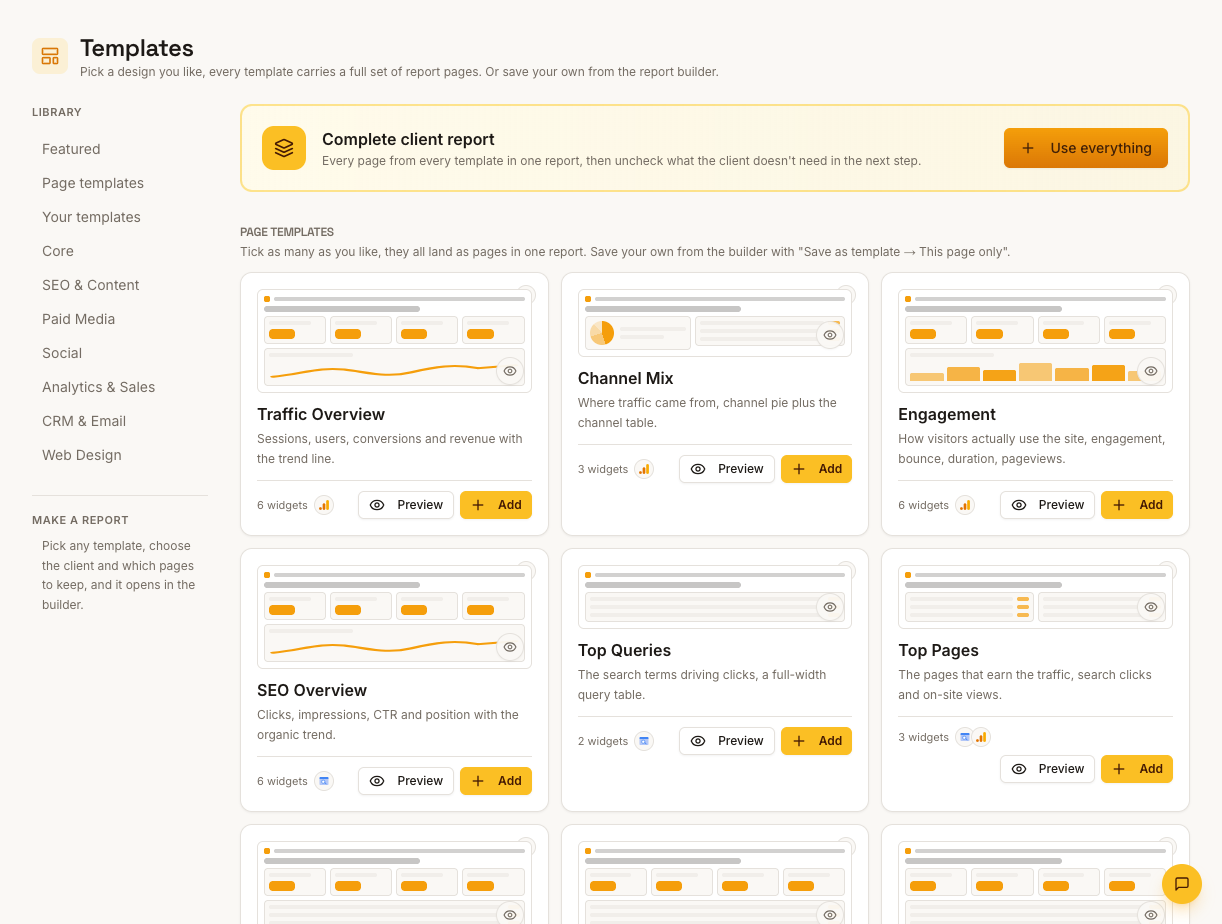
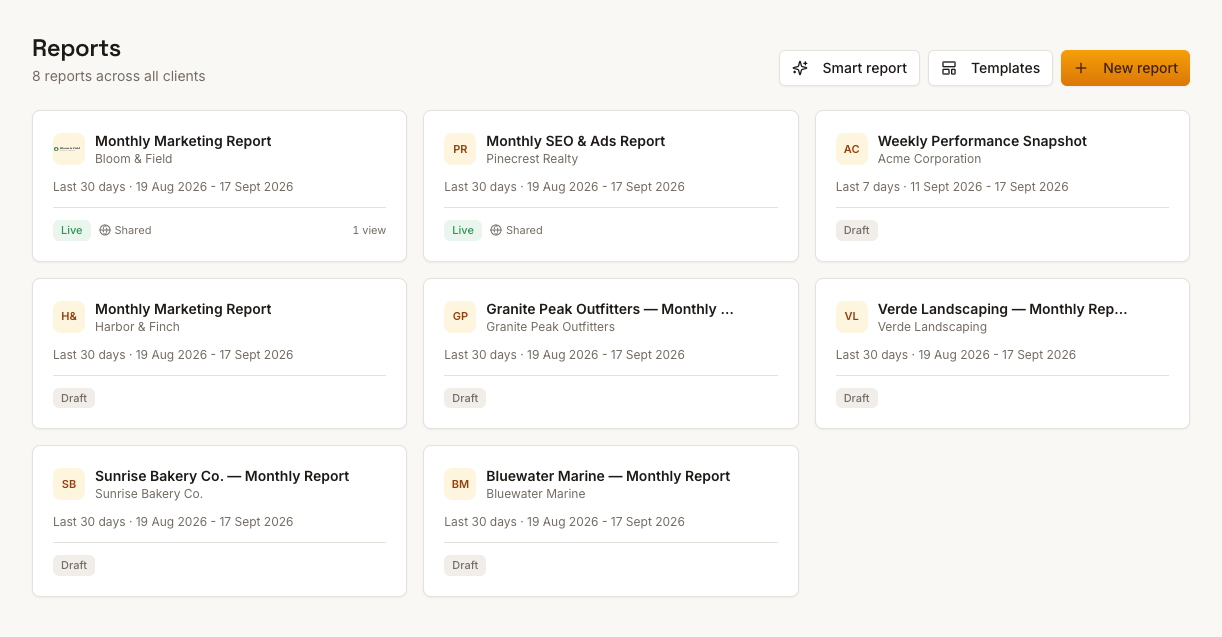
Reuse branded layouts, refresh connected metrics and schedule report-link emails. Review data and update manual widgets before delivery.
From £9.99/month · Agency £49/month
What you can report on
- Auto-refreshed widgets
- Connected sources — GA4, Ads, Search Console, Meta, Ahrefs — pull fresh figures into existing layouts on each refresh.
- Manual widgets
- Sources without live coverage get updated by hand — clearly the exception path, same styling, minutes per month.
- Scheduled sends
- Reports delivered on a cadence without you pressing send — the automation clients experience.
What automation means here, concretely
Build a reusable layout, refresh connected widgets when the next period is ready, and schedule delivery of the report link. Scheduled emails send the saved report; they do not fetch new figures. Review and refresh the content before the delivery date.
The manual exceptions, stated
Not every source has live widgets today — organic Instagram, LinkedIn and Mailchimp metrics are entered manually. Automation covers the connected majority; the report keeps manual widgets labelled so their source is clear.
Review before send
Scheduled delivery doesn't mean blind delivery. Refresh the report, check the figures look sane, write the month's commentary, then let it send — automation handles the assembly, you keep editorial control.
How it works
01
Template once
Build the report structure as a reusable template.
02
Connect sources
Wire live widgets to the client's platforms; mark manual widgets where coverage requires.
03
Schedule and review
Set the send cadence — then review refreshed figures and add commentary each cycle.
Simple, capped pricing
£9.99/month starter
First client included, then £3.99/month per extra client, capped at ten slots (£45.90/month).
£49/month agency
Flat monthly price with unlimited clients.
Frequently asked questions
Is reporting fully automatic?
Report-link delivery can be scheduled. Data refresh, commentary and manual-source updates remain part of your preparation. Reports marked as requiring approval are excluded from automatic delivery and must be sent manually.
What happens if a connection expires?
A failed refresh can leave cached figures in place. Check refresh errors and connection status, reconnect the source if needed, and refresh again before sharing.
How much does ReportingBee cost?
Starter is £9.99/month for your first client and £3.99/month for each extra client, capped at ten client slots (£45.90/month). The Agency plan is £49/month flat with unlimited clients.
Keep exploring
Automated Client Reporting
Give each client a consistent reporting cadence, with reusable layouts, refreshed metrics and commentary prepared before the report link is sent.
Agency Reporting Software
One workspace for every client, one template system for every report — consistent deliverables whether you manage three accounts or thirty.
Marketing Reporting Software
Search, ads, social and email in one report — each channel's figures labelled by source, with commentary that explains the mix instead of summing it.
Browse all reporting guides
Reporting
- Client Reporting Software
- Agency Reporting Software
- Marketing Reporting Software
- Digital Marketing Reporting
- SEO Reporting Software
- SEO Reporting for Agencies
- PPC Reporting Software
- White Label Reporting Software
- Automated Reporting
- Automated Client Reporting
- Ecommerce Reporting
- Analytics Reporting
- KPI Reporting
- Social Media Reporting
- Social Media Reporting Software
- Ahrefs Reporting
- Google Analytics Reporting
- Google Search Console Reporting
- Google Ads Reporting
- Facebook Ads Reporting
- Instagram Reporting
- LinkedIn Reporting
- Mailchimp Reporting
- Facebook Ads Reporting Tool
- Google Ads Reporting Tool
- SEO Client Reporting
- Marketing Agency Reporting
- Digital Agency Reporting
Dashboards
Your first branded report is minutes away
Add a client, connect their data and share a live report today.