Integration guide
Local visibility numbers in the client report
Google Business Profile connects through the Google OAuth group; report metrics are entered via manual widgets today — a two-minute monthly task inside an otherwise automated report.
From £9.99/month · Agency £49/month
What you can report on
- Average rating & review count
- Star rating and total reviews at report time — the reputation pair local clients ask about first.
- Calls, directions & website clicks
- The actions customers took from the profile — read from the profile's Performance tab and entered for the period.
- Search appearances
- How often the profile surfaced in Search and Maps — the visibility baseline behind the actions.
Google sign-in, manual metrics
Google Business Profile sits inside the Google OAuth group, so connecting looks like every other Google source. Live report widgets aren't built for it yet — you read the client's profile performance figures and enter them into the report's manual metric widgets.
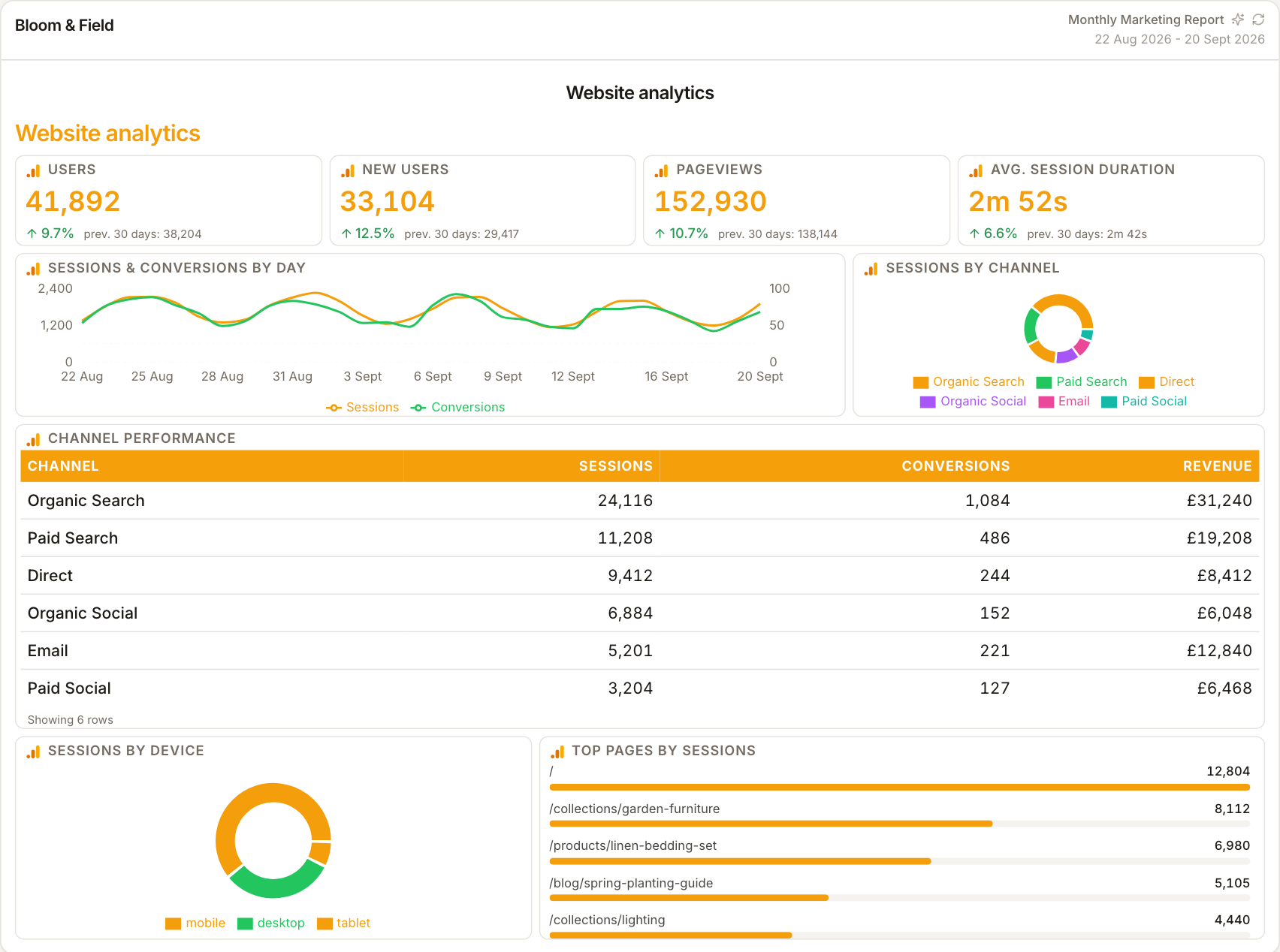
Why local metrics belong in the report
For trades, clinics and hospitality clients, the Business Profile often drives more enquiries than the website. Keeping calls, direction requests and review counts inside the same report as site analytics stops the local channel being invisible in the monthly review.
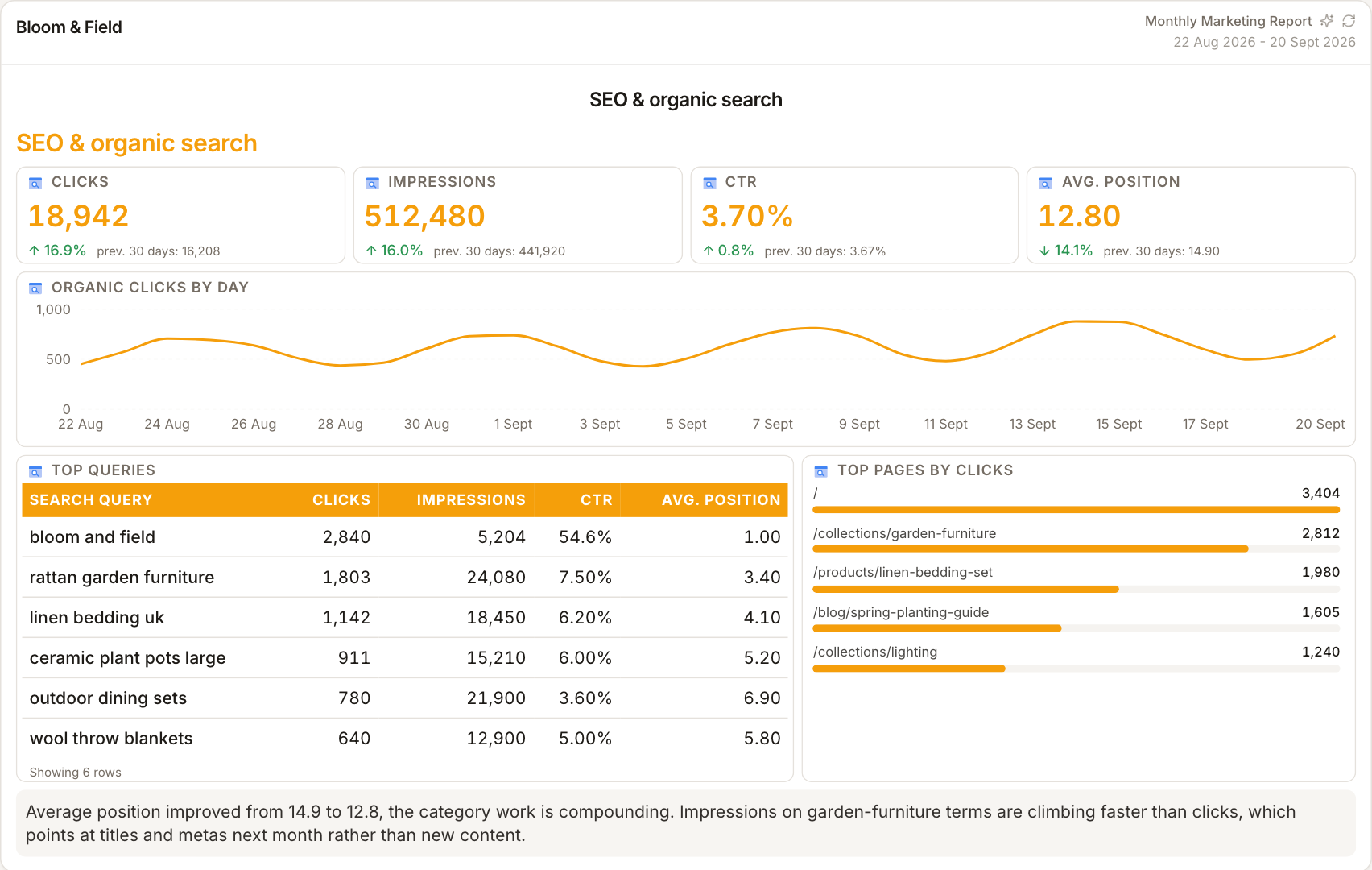
Template does the remembering
Manual-entry widgets are first-class report citizens — once the month's report exists, next month is a copy with fresh figures. The layout, styling and commentary slots are already in place; only the numbers change.
How it works
01
Open the profile's performance
Read the client's calls, directions, website clicks, rating and review totals from Google Business Profile for the period.
02
Enter into manual widgets
Type the figures into the report's manual metric widgets — same styling as connected sources around them.
03
Note the source
Label the figures with the period and that they come from profile performance, so the commentary reads honestly.
Simple, capped pricing
£9.99/month starter
First client included, then £3.99/month per extra client, capped at ten slots (£45.90/month).
£49/month agency
Flat monthly price with unlimited clients.
Frequently asked questions
Does ReportingBee pull Business Profile data automatically?
Not today — metrics are entered into manual widgets from the profile's Performance tab. The Google OAuth connection exists for the account, but live GBP widgets aren't built yet.
Can I show review growth over time?
Yes — enter the month's rating and review count each period and the report charts the trend like any other metric.
How much does ReportingBee cost?
Starter is £9.99/month for your first client and £3.99/month for each extra client, capped at ten client slots (£45.90/month). The Agency plan is £49/month flat with unlimited clients.
Keep exploring
SEO Reporting for Agencies
The same defensible SEO report structure for every client — refreshed monthly, seasoned with context, written for people who don't live in Search Console.
Client Reporting Software
Build the deliverable once — your branding, your commentary, their numbers — then let it become the reusable monthly report clients expect by name.
Google Search Console Integration
OAuth once, select the verified property, and turn clicks, impressions, CTR and position into clean report widgets with your SEO commentary attached.
Browse all reporting guides
Reporting
- Client Reporting Software
- Agency Reporting Software
- Marketing Reporting Software
- Digital Marketing Reporting
- SEO Reporting Software
- SEO Reporting for Agencies
- PPC Reporting Software
- White Label Reporting Software
- Automated Reporting
- Automated Client Reporting
- Ecommerce Reporting
- Analytics Reporting
- KPI Reporting
- Social Media Reporting
- Social Media Reporting Software
- Ahrefs Reporting
- Google Analytics Reporting
- Google Search Console Reporting
- Google Ads Reporting
- Facebook Ads Reporting
- Instagram Reporting
- LinkedIn Reporting
- Mailchimp Reporting
- Facebook Ads Reporting Tool
- Google Ads Reporting Tool
- SEO Client Reporting
- Marketing Agency Reporting
- Digital Agency Reporting
Dashboards
Integration guides
- Ahrefs Integration
- Google Analytics 4 Integration
- Google Search Console Integration
- Google Ads Integration
- Meta Ads Integration (Facebook & Instagram)
- Instagram Integration
- LinkedIn Integration
- Mailchimp Integration
- Microsoft Advertising Integration
- HubSpot Integration
- Klaviyo Integration
- Shopify Integration
- SEMrush Integration
- SE Ranking Integration
- Google Business Profile Integration
- Google Sheets Integration
- Google PageSpeed Integration
- Facebook Integration
- TikTok Integration
- TikTok Ads Integration
- YouTube Integration
- LinkedIn Ads Integration
- Pinterest Integration
- Pinterest Ads Integration
- Snapchat Ads Integration
- Amazon Ads Integration
- X Ads Integration (Twitter)
- Moz Integration
- CallRail Integration
- WooCommerce Integration
- ActiveCampaign Integration
- Constant Contact Integration
- Trustpilot Integration
Your first branded report is minutes away
Add a client, connect their data and share a live report today.