Integration guide
Any metric, from a spreadsheet, into the report
Point ReportingBee at a client's Google Sheet, link widgets to the cells that hold this month's numbers, and the report syncs them on demand — the catch-all for data with no dedicated connector.
From £9.99/month · Agency £49/month
What you can report on
- Any cell value
- A widget can read a specific cell — B2 revenue, C14 leads — so bespoke KPIs, budgets and offline metrics all flow into the report.
- Rollups & budgets
- Keep monthly targets or running totals in a sheet and let the report pull them live instead of re-keying them.
- Offline & third-party figures
- Events, phone leads, retail sales — anything the client tracks in a sheet becomes reportable without a custom integration.
Cells linked server-side
Google Sheets blocks direct browser reads, so ReportingBee's server fetches the published sheet's CSV and writes the values into the linked widgets. Link a widget to a URL plus a cell reference once — after that, 'Sync all' refreshes every linked figure at once.
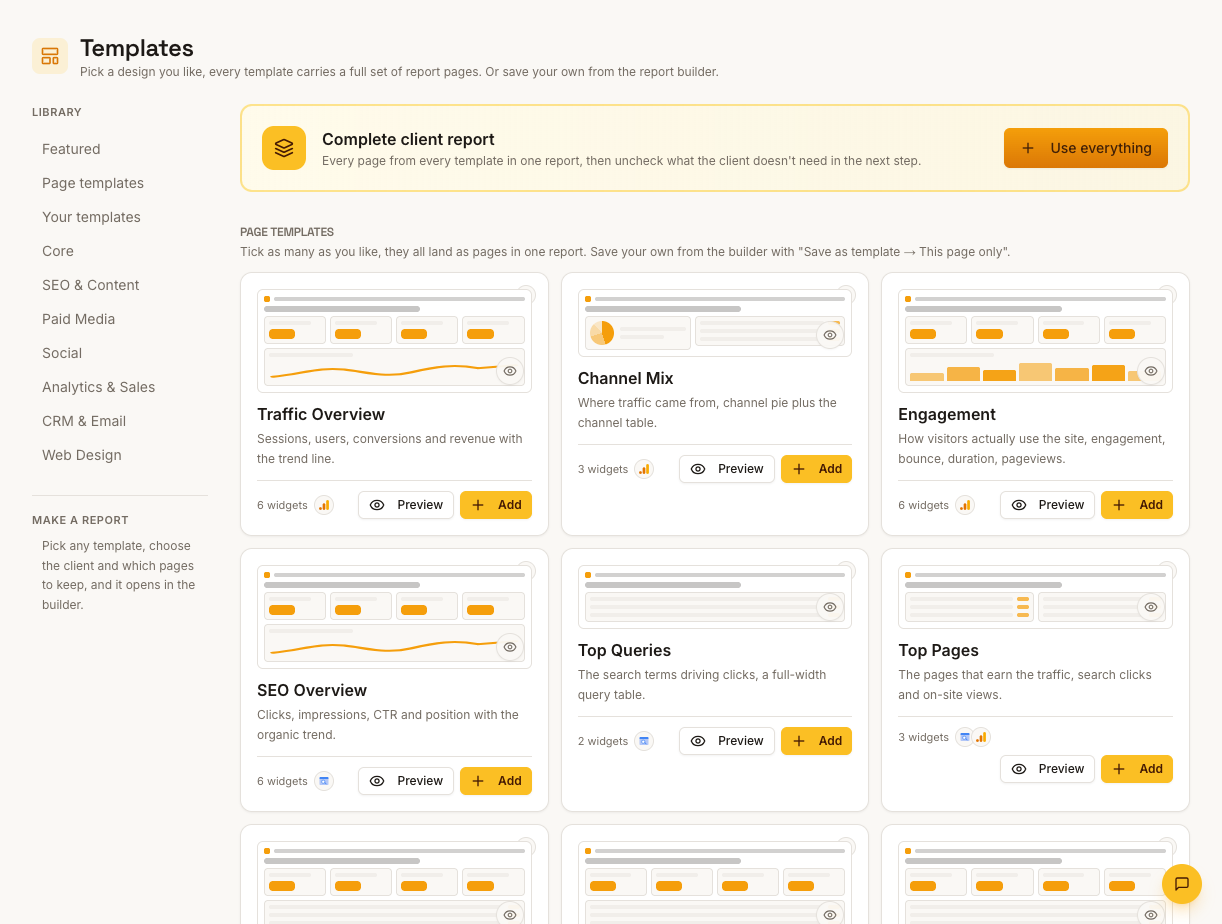
The bespoke-metric escape hatch
Every agency has a client whose key number lives somewhere odd — a bookings sheet, a franchise spreadsheet, a client's own tracking doc. Sheets-linked widgets put those figures in the same styled report as the API-connected channels, with no screenshots or typed numbers.
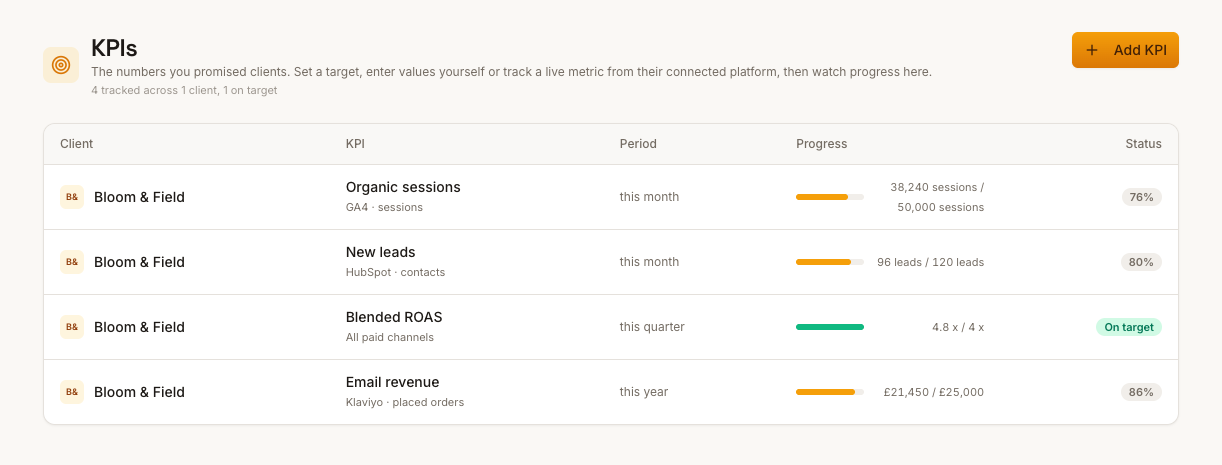
Sheet hygiene matters
The link reads whatever is in the referenced cell at sync time, so keep the sheet's layout stable — a moved row repoints the data. A 'report data' tab with fixed cells, updated monthly, is the most reliable pattern for clients who maintain their own numbers.
How it works
01
Connect the sheet
On the client's Google Sheets page, add the spreadsheet URL — it must be shared or published so ReportingBee can read it.
02
Link widgets to cells
In any Google Sheets widget's settings, enter the cell reference (like B2) holding the figure that widget should show.
03
Sync on refresh
Hit Sync all on the Sheets page or refresh the report — every linked widget pulls its cell's current value.
Simple, capped pricing
£9.99/month starter
First client included, then £3.99/month per extra client, capped at ten slots (£45.90/month).
£49/month agency
Flat monthly price with unlimited clients.
Frequently asked questions
Does the sheet need to be public?
The sheet must be accessible via its sharing link or published to the web so the server can fetch it — private sheets can't be read.
Can I link a whole table?
Linking is per cell per widget — point each metric at the cell holding its figure. Structured per-cell links keep the report stable when the sheet's layout changes.
How much does ReportingBee cost?
Starter is £9.99/month for your first client and £3.99/month for each extra client, capped at ten client slots (£45.90/month). The Agency plan is £49/month flat with unlimited clients.
Keep exploring
Client Reporting Software
Build the deliverable once — your branding, your commentary, their numbers — then let it become the reusable monthly report clients expect by name.
KPI Reporting
Every KPI needs four decisions — metric, unit, comparison, target — before it means anything. Reports that make all four explicit are reports clients trust.
Google Analytics 4 Integration
Sign in with Google once, choose each client's GA4 property, and ReportingBee turns sessions, channels and conversions into widgets your clients actually read.
Browse all reporting guides
Reporting
- Client Reporting Software
- Agency Reporting Software
- Marketing Reporting Software
- Digital Marketing Reporting
- SEO Reporting Software
- SEO Reporting for Agencies
- PPC Reporting Software
- White Label Reporting Software
- Automated Reporting
- Automated Client Reporting
- Ecommerce Reporting
- Analytics Reporting
- KPI Reporting
- Social Media Reporting
- Social Media Reporting Software
- Ahrefs Reporting
- Google Analytics Reporting
- Google Search Console Reporting
- Google Ads Reporting
- Facebook Ads Reporting
- Instagram Reporting
- LinkedIn Reporting
- Mailchimp Reporting
- Facebook Ads Reporting Tool
- Google Ads Reporting Tool
- SEO Client Reporting
- Marketing Agency Reporting
- Digital Agency Reporting
Dashboards
Integration guides
- Ahrefs Integration
- Google Analytics 4 Integration
- Google Search Console Integration
- Google Ads Integration
- Meta Ads Integration (Facebook & Instagram)
- Instagram Integration
- LinkedIn Integration
- Mailchimp Integration
- Microsoft Advertising Integration
- HubSpot Integration
- Klaviyo Integration
- Shopify Integration
- SEMrush Integration
- SE Ranking Integration
- Google Business Profile Integration
- Google Sheets Integration
- Google PageSpeed Integration
- Facebook Integration
- TikTok Integration
- TikTok Ads Integration
- YouTube Integration
- LinkedIn Ads Integration
- Pinterest Integration
- Pinterest Ads Integration
- Snapchat Ads Integration
- Amazon Ads Integration
- X Ads Integration (Twitter)
- Moz Integration
- CallRail Integration
- WooCommerce Integration
- ActiveCampaign Integration
- Constant Contact Integration
- Trustpilot Integration
Your first branded report is minutes away
Add a client, connect their data and share a live report today.