Integration guide
Klaviyo email performance in the client report
Add a Klaviyo private API key per client and pull live campaign metrics — recipients, opens, clicks, conversions and attributed revenue — into the same branded report as everything else.
From £9.99/month · Agency £49/month
What you can report on
- Recipients & delivered
- How many emails went out and how many landed — the delivery baseline before engagement metrics mean anything.
- Open & click rates
- Unique open and click rates per campaign — the engagement read that shows whether subject lines and content are working.
- Attributed revenue
- Conversion value Klaviyo attributes to campaigns and flows — the number that turns email from a cost line into a revenue channel.
API-key connection, validated on save
Klaviyo connects with a private API key rather than OAuth — paste the key, pick the client's account, and ReportingBee validates it against Klaviyo before storing so a bad key fails loudly instead of silently breaking the next report.
Campaign breakdowns, not just totals
Widgets report per-campaign results — recipients, open rate, click rate, conversions and revenue — so the report can show which sends carried the month. Revenue-per-recipient and unsubscribe rates round out the quality picture alongside raw volume.
Email revenue in context
Klaviyo's attribution differs from GA4's, so the report shows each figure labelled by source. What matters is that email's contribution sits inside the same narrative as paid, organic and social — one report, one story, sources marked.
How it works
01
Add the API key
In the client's Integrations tab choose Klaviyo, paste the private API key and save — it's validated before storing.
02
Select the account
Pick the Klaviyo account the client uses so widgets resolve against the right data.
03
Build the email section
Add engagement, conversion and revenue widgets plus a campaign table into the report's email section.
Simple, capped pricing
£9.99/month starter
First client included, then £3.99/month per extra client, capped at ten slots (£45.90/month).
£49/month agency
Flat monthly price with unlimited clients.
Frequently asked questions
Does Klaviyo data pull live?
Yes — campaign engagement, conversions and attributed revenue come from the Klaviyo API whenever report data refreshes.
Why doesn't Klaviyo revenue match GA4?
Different attribution models — Klaviyo attributes to its own emails and flows, GA4 uses its own rules. Show both labelled by source rather than forcing parity.
How much does ReportingBee cost?
Starter is £9.99/month for your first client and £3.99/month for each extra client, capped at ten client slots (£45.90/month). The Agency plan is £49/month flat with unlimited clients.
Keep exploring
Ecommerce Reporting
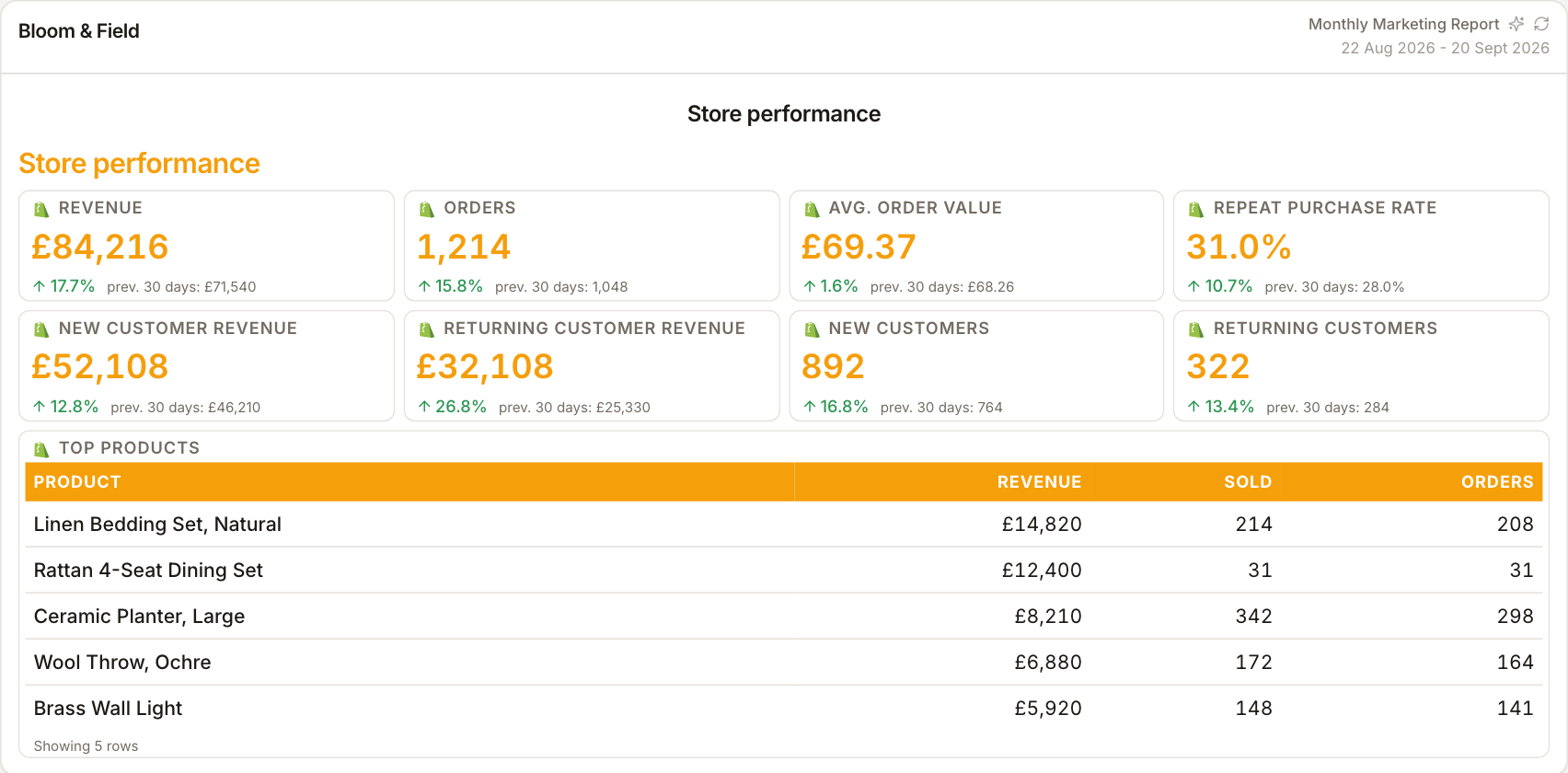
Present Shopify orders, revenue and average order value alongside GA4 and ad-platform metrics. Keep each source labelled so the client can distinguish store activity from attributed results.
Marketing Reporting Software
Search, ads, social and email in one report — each channel's figures labelled by source, with commentary that explains the mix instead of summing it.
Mailchimp Integration
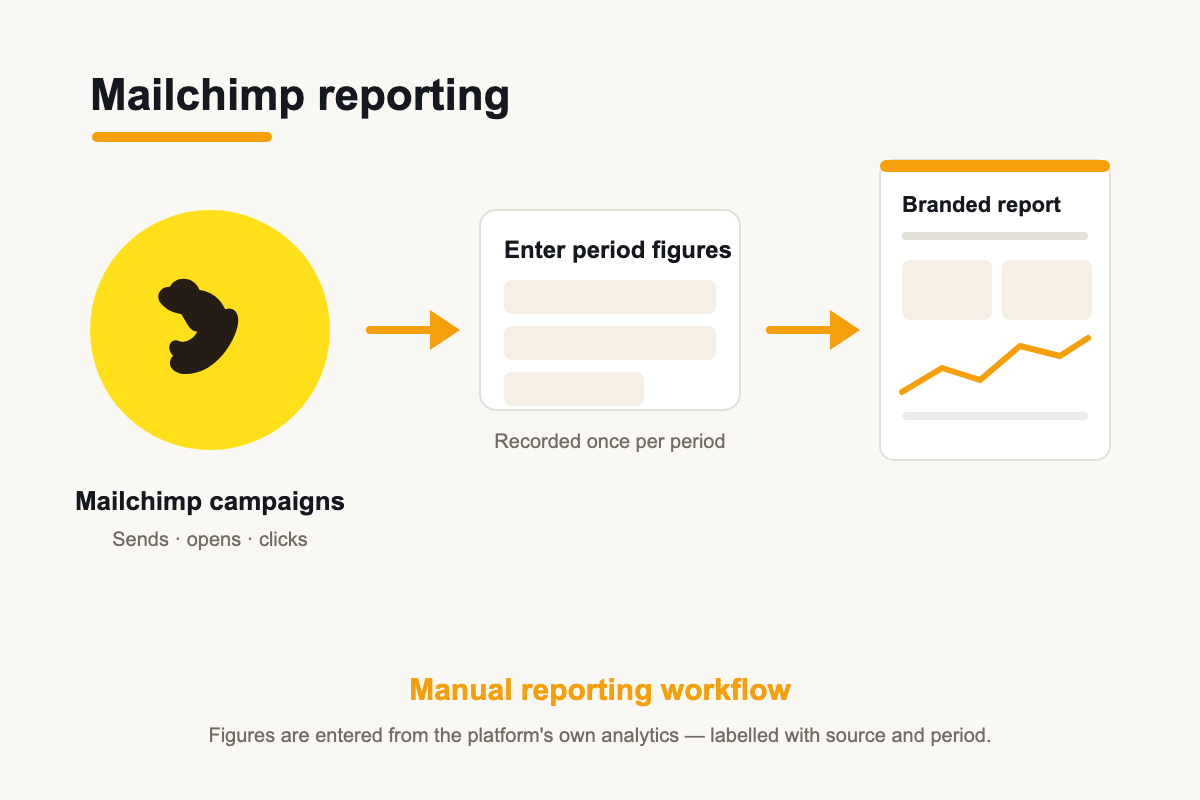
The Mailchimp OAuth connector exists; campaign metrics are entered manually in reports today — presented alongside every other channel in the client report.
Browse all reporting guides
Reporting
- Client Reporting Software
- Agency Reporting Software
- Marketing Reporting Software
- Digital Marketing Reporting
- SEO Reporting Software
- SEO Reporting for Agencies
- PPC Reporting Software
- White Label Reporting Software
- Automated Reporting
- Automated Client Reporting
- Ecommerce Reporting
- Analytics Reporting
- KPI Reporting
- Social Media Reporting
- Social Media Reporting Software
- Ahrefs Reporting
- Google Analytics Reporting
- Google Search Console Reporting
- Google Ads Reporting
- Facebook Ads Reporting
- Instagram Reporting
- LinkedIn Reporting
- Mailchimp Reporting
- Facebook Ads Reporting Tool
- Google Ads Reporting Tool
- SEO Client Reporting
- Marketing Agency Reporting
- Digital Agency Reporting
Dashboards
Integration guides
- Ahrefs Integration
- Google Analytics 4 Integration
- Google Search Console Integration
- Google Ads Integration
- Meta Ads Integration (Facebook & Instagram)
- Instagram Integration
- LinkedIn Integration
- Mailchimp Integration
- Microsoft Advertising Integration
- HubSpot Integration
- Klaviyo Integration
- Shopify Integration
- SEMrush Integration
- SE Ranking Integration
- Google Business Profile Integration
- Google Sheets Integration
- Google PageSpeed Integration
- Facebook Integration
- TikTok Integration
- TikTok Ads Integration
- YouTube Integration
- LinkedIn Ads Integration
- Pinterest Integration
- Pinterest Ads Integration
- Snapchat Ads Integration
- Amazon Ads Integration
- X Ads Integration (Twitter)
- Moz Integration
- CallRail Integration
- WooCommerce Integration
- ActiveCampaign Integration
- Constant Contact Integration
- Trustpilot Integration
Your first branded report is minutes away
Add a client, connect their data and share a live report today.