Integration guide
YouTube channel numbers in the client report
YouTube connects through the Google OAuth group; report metrics are entered manually today — views, watch time and subscribers from Studio analytics placed inside the branded report.
From £9.99/month · Agency £49/month
What you can report on
- Views
- Total views across the period's uploads and back catalogue — the reach headline for video-led clients.
- Watch time
- Hours watched — the metric YouTube optimises toward and the better quality read than raw views.
- Subscribers
- Net subscriber change across the period — the audience-growth signal behind the views.
Google OAuth, manual metrics today
YouTube sits in the Google OAuth group alongside GA4 and Search Console. Live report widgets aren't built for it yet — read the client's Studio analytics and enter the period's figures into the report's manual metric widgets.
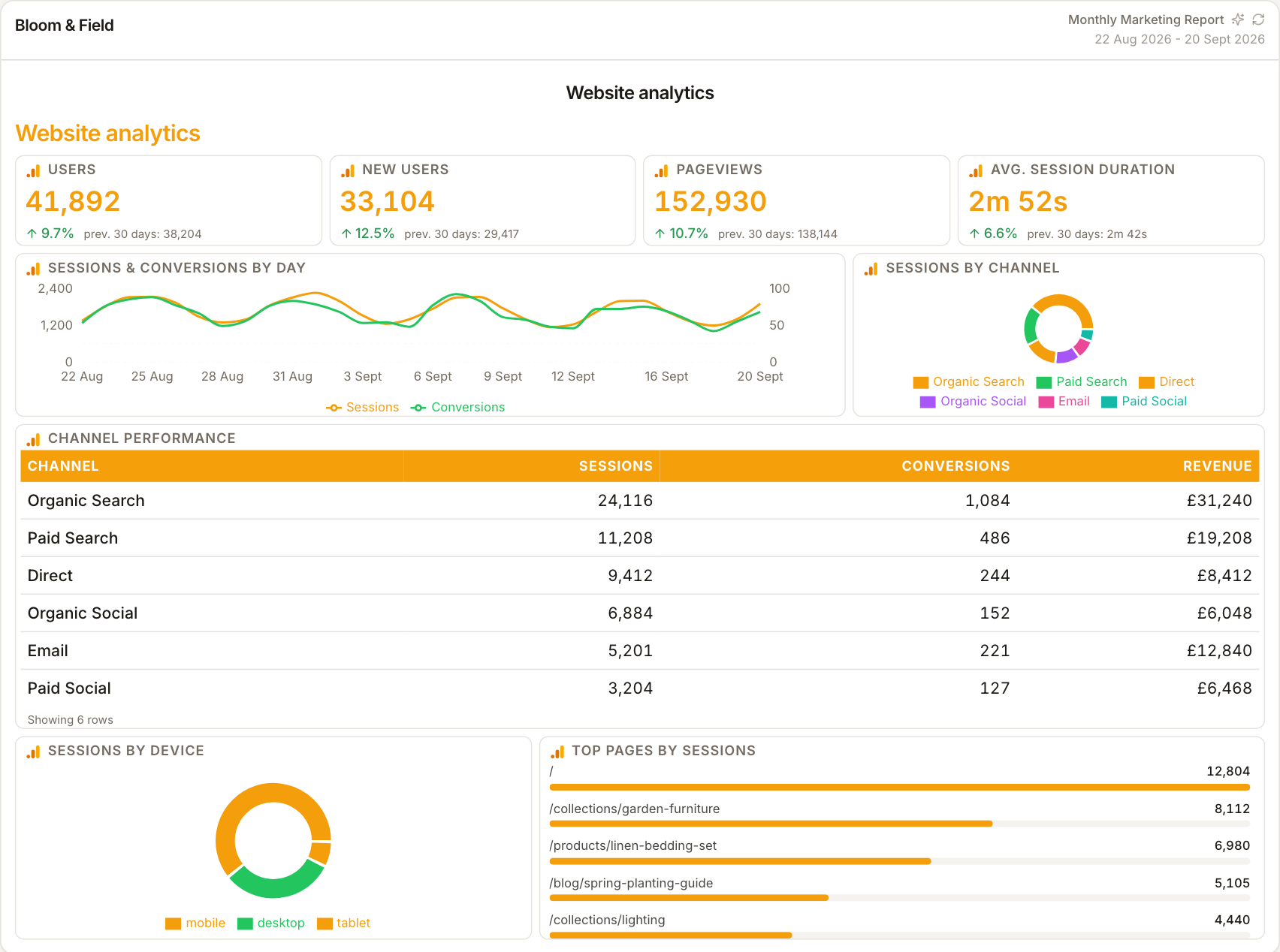
Video in the same story as the site
YouTube numbers land next to website traffic and social reach in the report, so the client sees video's contribution to the bigger picture — views feeding site sessions — instead of a disconnected channel update.
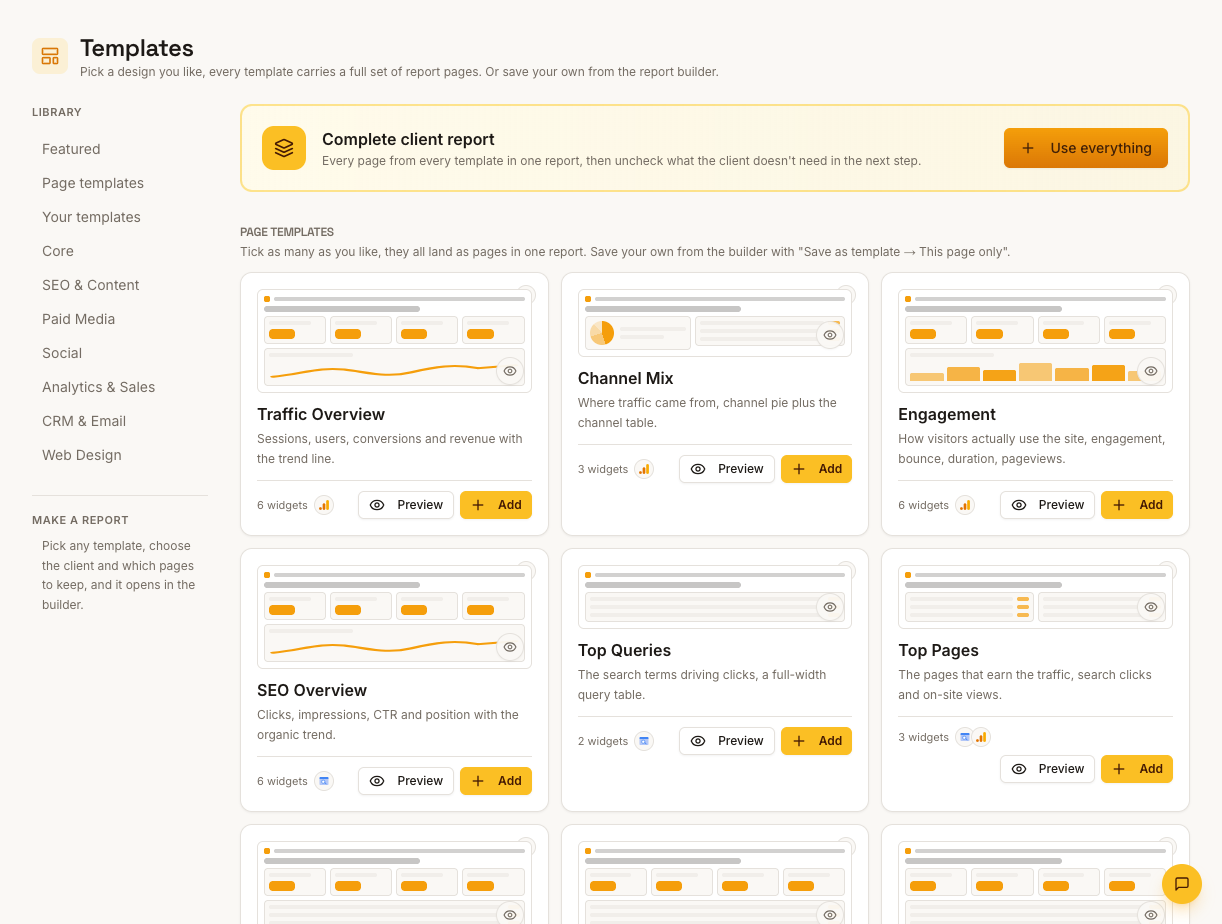
Report what explains the growth
Pair subscriber change with views and watch time so the report can say whether the audience is growing because content reached new people or existing viewers watched more — the distinction that shapes next month's content plan.
How it works
01
Open YouTube Studio
Pull the client's views, watch time and subscriber change for the period from Studio analytics.
02
Enter into manual widgets
Type the figures into the report's manual metric widgets — identical styling to connected sources.
03
Connect it to traffic
Reference the GA4 referral numbers in the commentary so video's downstream effect on the site is visible.
Simple, capped pricing
£9.99/month starter
First client included, then £3.99/month per extra client, capped at ten slots (£45.90/month).
£49/month agency
Flat monthly price with unlimited clients.
Frequently asked questions
Does YouTube data pull automatically?
Not today — the Google OAuth connection covers the account but live YouTube widgets aren't built yet. Metrics are entered manually.
Can I report per-video performance?
Enter per-video figures into manual widgets if the report needs them — the table widget holds whatever rows you type.
How much does ReportingBee cost?
Starter is £9.99/month for your first client and £3.99/month for each extra client, capped at ten client slots (£45.90/month). The Agency plan is £49/month flat with unlimited clients.
Keep exploring
Social Media Reporting
Paid Meta campaigns pull live through the Ads connection; organic social metrics go in manually — each labelled so a boosted number never poses as organic.
Marketing Reporting Software
Search, ads, social and email in one report — each channel's figures labelled by source, with commentary that explains the mix instead of summing it.
Google Analytics 4 Integration
Sign in with Google once, choose each client's GA4 property, and ReportingBee turns sessions, channels and conversions into widgets your clients actually read.
Browse all reporting guides
Reporting
- Client Reporting Software
- Agency Reporting Software
- Marketing Reporting Software
- Digital Marketing Reporting
- SEO Reporting Software
- SEO Reporting for Agencies
- PPC Reporting Software
- White Label Reporting Software
- Automated Reporting
- Automated Client Reporting
- Ecommerce Reporting
- Analytics Reporting
- KPI Reporting
- Social Media Reporting
- Social Media Reporting Software
- Ahrefs Reporting
- Google Analytics Reporting
- Google Search Console Reporting
- Google Ads Reporting
- Facebook Ads Reporting
- Instagram Reporting
- LinkedIn Reporting
- Mailchimp Reporting
- Facebook Ads Reporting Tool
- Google Ads Reporting Tool
- SEO Client Reporting
- Marketing Agency Reporting
- Digital Agency Reporting
Dashboards
Integration guides
- Ahrefs Integration
- Google Analytics 4 Integration
- Google Search Console Integration
- Google Ads Integration
- Meta Ads Integration (Facebook & Instagram)
- Instagram Integration
- LinkedIn Integration
- Mailchimp Integration
- Microsoft Advertising Integration
- HubSpot Integration
- Klaviyo Integration
- Shopify Integration
- SEMrush Integration
- SE Ranking Integration
- Google Business Profile Integration
- Google Sheets Integration
- Google PageSpeed Integration
- Facebook Integration
- TikTok Integration
- TikTok Ads Integration
- YouTube Integration
- LinkedIn Ads Integration
- Pinterest Integration
- Pinterest Ads Integration
- Snapchat Ads Integration
- Amazon Ads Integration
- X Ads Integration (Twitter)
- Moz Integration
- CallRail Integration
- WooCommerce Integration
- ActiveCampaign Integration
- Constant Contact Integration
- Trustpilot Integration
Your first branded report is minutes away
Add a client, connect their data and share a live report today.