Integration guide
WooCommerce store figures in the client report
WooCommerce is a key-based entry in ReportingBee; report metrics are entered manually today — revenue, orders and items from the store's analytics placed beside the channels that drove them.
From £9.99/month · Agency £49/month
What you can report on
- Revenue
- Store revenue for the period from WooCommerce analytics — the commerce headline every marketing report should land on.
- Orders
- Order count for the period — separates 'more orders' from 'bigger baskets' when explaining revenue movement.
- Average order value
- Revenue divided by orders — whether promotions and merchandising are raising basket size.
Key-based entry, manual metrics
WooCommerce connects by storing the store URL and consumer credentials on the client's connection. Live report widgets aren't built yet — pull the period's totals from WooCommerce analytics and enter them into the report's manual metric widgets. (If the client runs Shopify instead, that connection pulls live.)
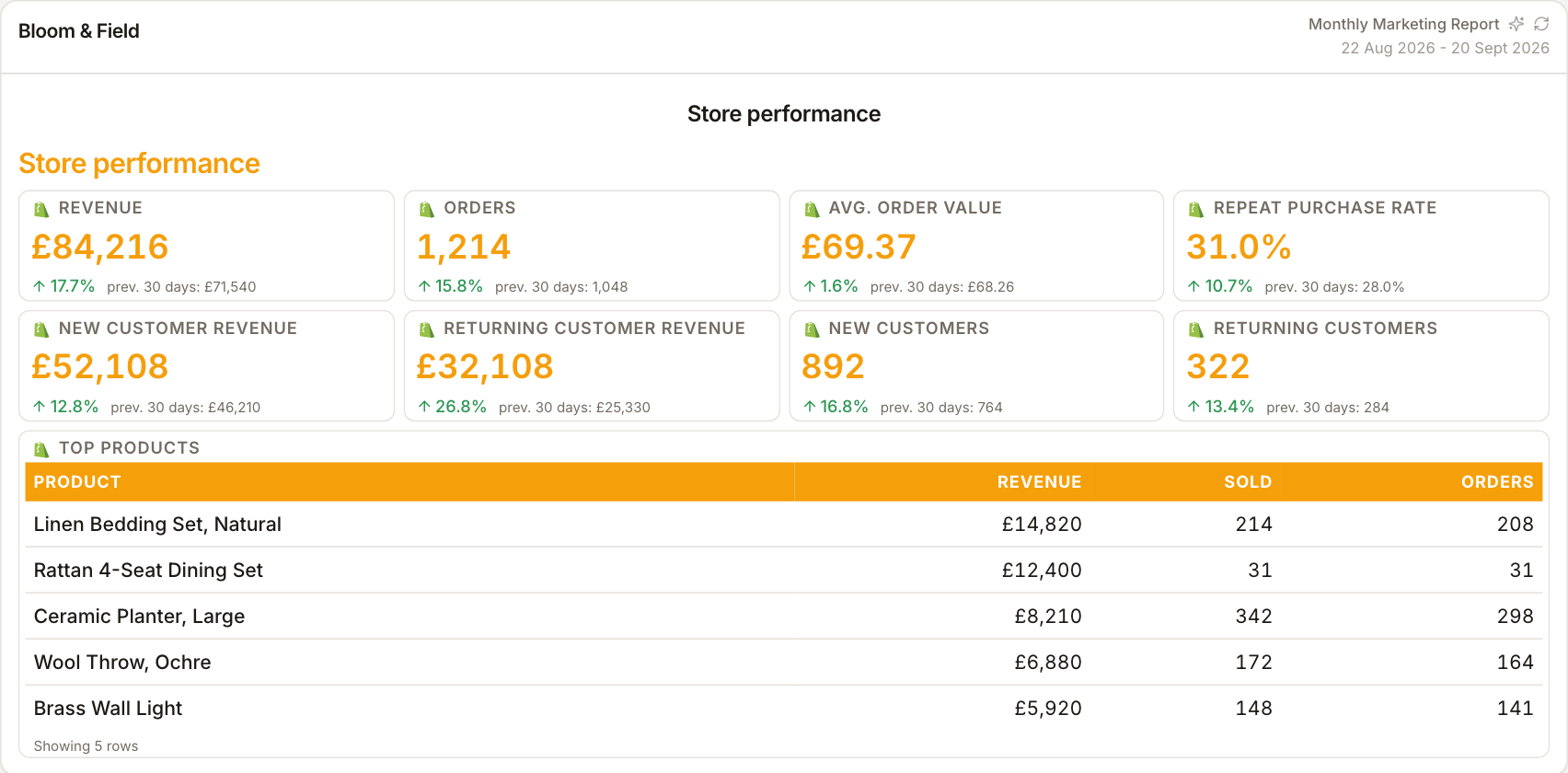
Commerce beside the channels that drove it
A revenue total on its own invites 'from where?'. Keeping WooCommerce figures in the same report as GA4 sessions, ad spend and email revenue lets the narrative run spend → traffic → sales in one document.
Two minutes monthly
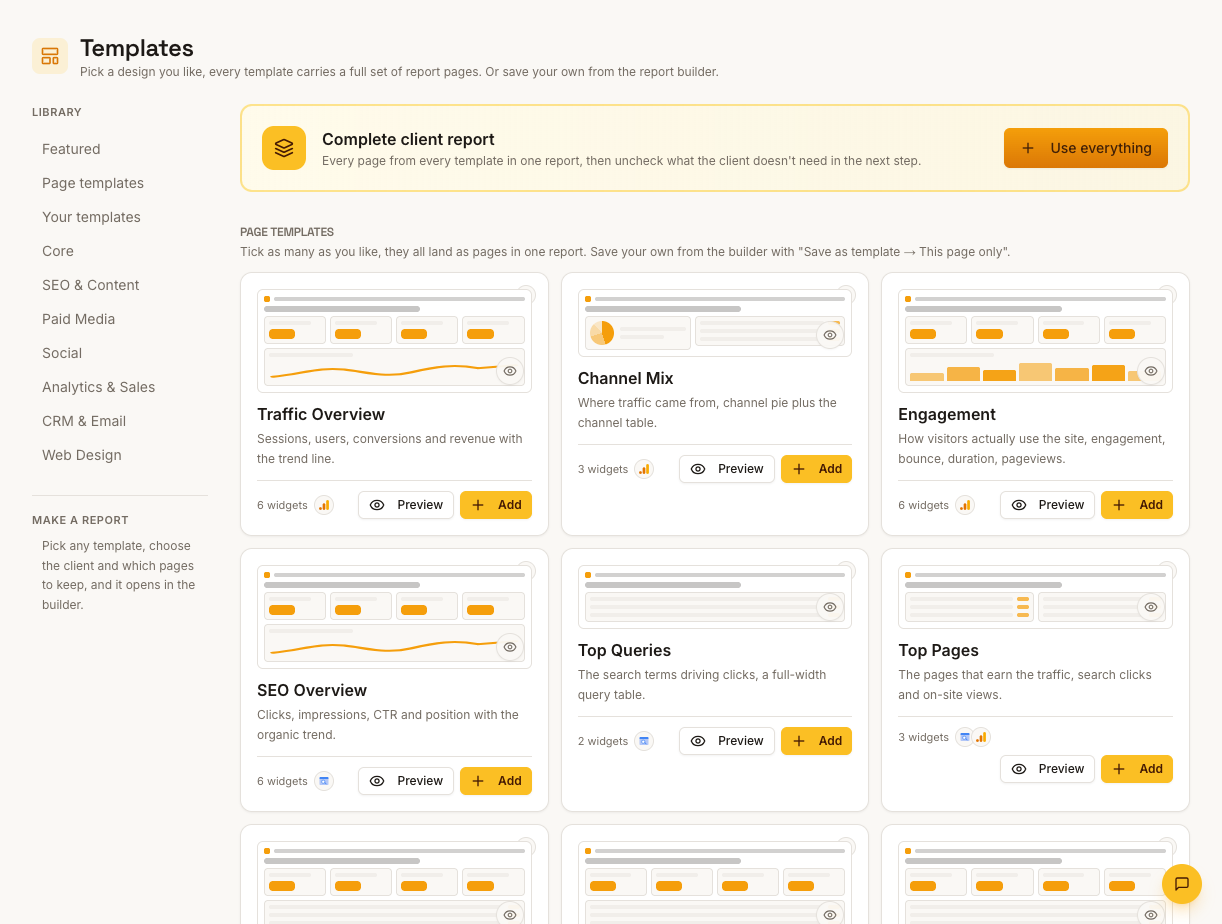
Once the report template exists, monthly upkeep is copying this month's store totals into the existing widgets — layout, styling and commentary slots carry over.
How it works
01
Open WooCommerce analytics
Pull the client's revenue, orders and items sold for the period.
02
Enter into manual widgets
Type the figures into the report's manual metric widgets in the ecommerce section.
03
Tie to the channels
Use commentary to link revenue movement to the month's traffic and campaign numbers.
Simple, capped pricing
£9.99/month starter
First client included, then £3.99/month per extra client, capped at ten slots (£45.90/month).
£49/month agency
Flat monthly price with unlimited clients.
Frequently asked questions
Does WooCommerce data pull live?
Not today — the connection stores the store credentials but live widgets aren't built yet. Shopify does pull live revenue and orders.
Can I report per-product sales?
Enter product rows into a manual table widget if the report needs that detail — the layout supports it.
How much does ReportingBee cost?
Starter is £9.99/month for your first client and £3.99/month for each extra client, capped at ten client slots (£45.90/month). The Agency plan is £49/month flat with unlimited clients.
Keep exploring
Ecommerce Reporting
Present Shopify orders, revenue and average order value alongside GA4 and ad-platform metrics. Keep each source labelled so the client can distinguish store activity from attributed results.
Ecommerce Reporting Dashboard
Shopify orders and revenue beside traffic and ad spend — one dashboard, consistent currency and period, so the funnel reads as one story.
Shopify Integration
Add the client's Shopify store domain and an Admin API access token, then pull live revenue, orders and product breakdowns into the same report as their traffic and ad data.
Browse all reporting guides
Reporting
- Client Reporting Software
- Agency Reporting Software
- Marketing Reporting Software
- Digital Marketing Reporting
- SEO Reporting Software
- SEO Reporting for Agencies
- PPC Reporting Software
- White Label Reporting Software
- Automated Reporting
- Automated Client Reporting
- Ecommerce Reporting
- Analytics Reporting
- KPI Reporting
- Social Media Reporting
- Social Media Reporting Software
- Ahrefs Reporting
- Google Analytics Reporting
- Google Search Console Reporting
- Google Ads Reporting
- Facebook Ads Reporting
- Instagram Reporting
- LinkedIn Reporting
- Mailchimp Reporting
- Facebook Ads Reporting Tool
- Google Ads Reporting Tool
- SEO Client Reporting
- Marketing Agency Reporting
- Digital Agency Reporting
Dashboards
Integration guides
- Ahrefs Integration
- Google Analytics 4 Integration
- Google Search Console Integration
- Google Ads Integration
- Meta Ads Integration (Facebook & Instagram)
- Instagram Integration
- LinkedIn Integration
- Mailchimp Integration
- Microsoft Advertising Integration
- HubSpot Integration
- Klaviyo Integration
- Shopify Integration
- SEMrush Integration
- SE Ranking Integration
- Google Business Profile Integration
- Google Sheets Integration
- Google PageSpeed Integration
- Facebook Integration
- TikTok Integration
- TikTok Ads Integration
- YouTube Integration
- LinkedIn Ads Integration
- Pinterest Integration
- Pinterest Ads Integration
- Snapchat Ads Integration
- Amazon Ads Integration
- X Ads Integration (Twitter)
- Moz Integration
- CallRail Integration
- WooCommerce Integration
- ActiveCampaign Integration
- Constant Contact Integration
- Trustpilot Integration
Your first branded report is minutes away
Add a client, connect their data and share a live report today.